Launch the designer (CLI)
No install at all? Open svgrid.com/studio directly - the same designer, running in your browser, nothing to run locally. It can't write to your filesystem, so Generate app gives you a Download .zip instead of the CLI's save-to-folder, and Add data -> Get a database can provision a free Neon / Supabase / Turso database for you without leaving the browser. Everything else - screens, entities, the visual editor - is identical. Want auto-save-to-disk, or to point it at a database already on your machine? Use the CLI below instead.
One command opens the visual app designer in your browser, backed by a tiny local server that auto-saves your design to disk and generates the app into a folder - no host app to build, no copy-paste JSON.
Three "designer" pages, one map. This page is about opening the app builder locally. Visual app designer documents the builder itself (
SvStudioDesigner, multi-screen). Schema designer is a different, embeddable component (SvSchemaDesigner) for editing a single entity inside your own app.
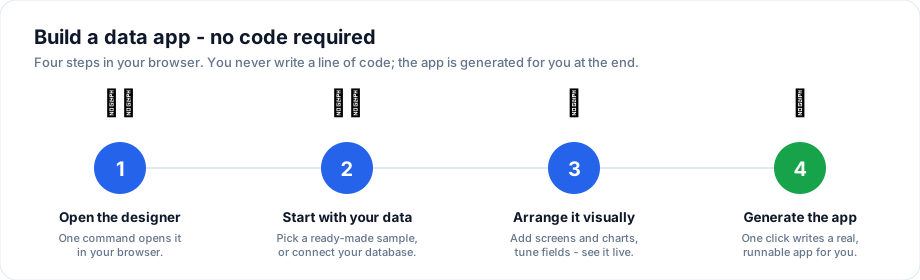
You run one command to open the designer; everything after that is point-and-click - no coding.
npx @svgrid/studio designer
That serves the designer at http://localhost:4321 and opens it. Design your
app - screens, entities, data sources, grid config - and every edit is saved to
studio.config.json in the current folder as you work. A refresh (or a rerun)
picks up exactly where you left off.
What it does
- Loads
studio.config.jsonfrom the current folder. If there's none yet, the designer opens with a small starter project so you have something to edit, and offers the New app wizard to replace it with your own data. - Auto-saves every change back to
studio.config.json(debounced). This is the persistence the embedded component never had - your work survives a refresh. - Generates the app to disk: open Generate app, then click Save to
folder. Every file of the runnable SvelteKit + Vite project is written into
the output folder (the driver deps for any SQL / Supabase entity are added to
its
package.jsonfor you). Download .zip is still there too.
cd my-app                 # design saved here as studio.config.json
npx @svgrid/studio designer
# ... design, then Generate app -> Save to folder ...
npm install
npm run dev
Start from zero
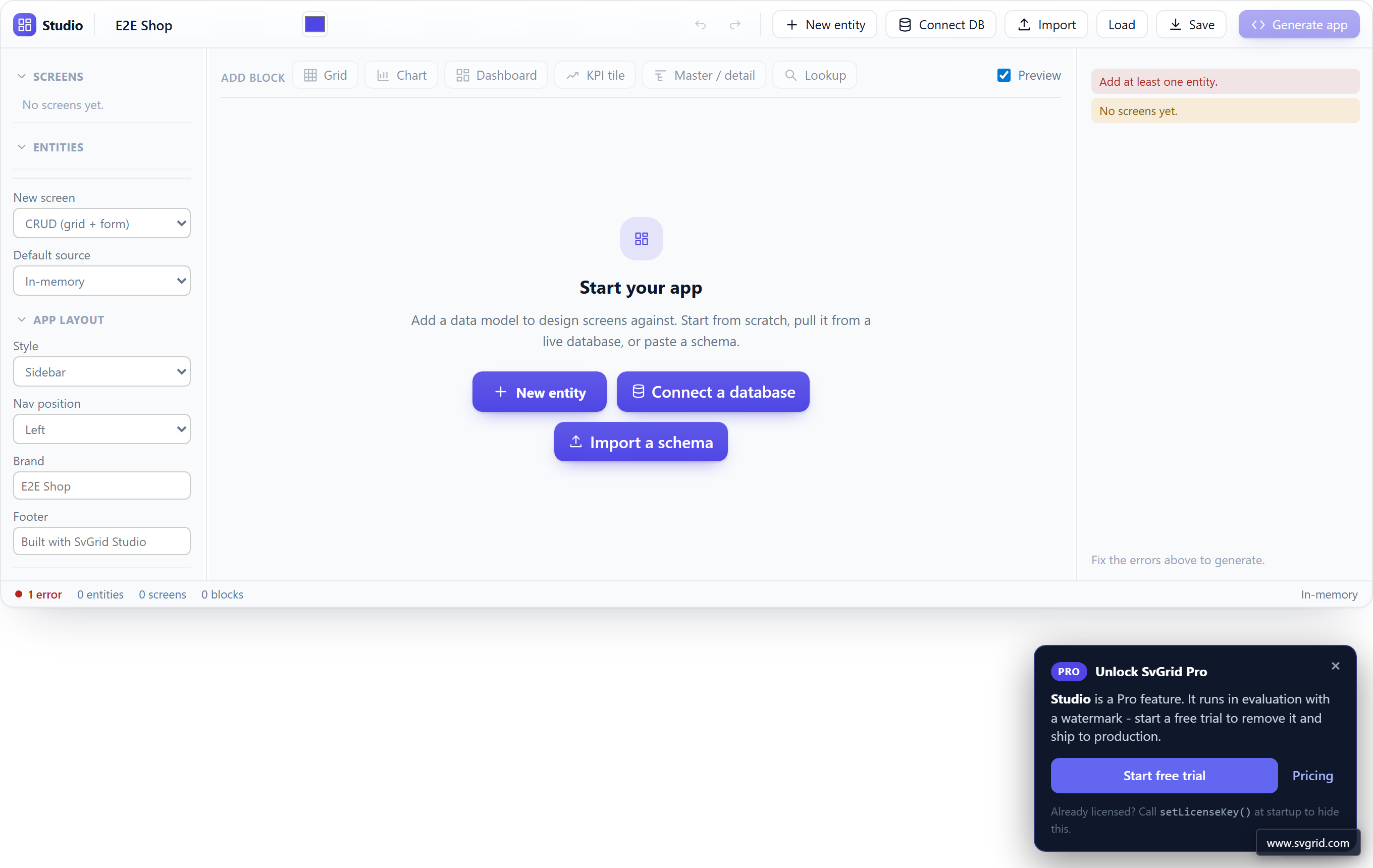
Launched in an empty folder, the designer opens the starter project and offers
the New app wizard - four steps (where the data lives, which tables, which
pages each table gets, what it's called) that end on a working app. It runs the
same generator as svgrid-studio init, so both routes land in the same place.
Prefer to start from something finished? A ready-made sample app
(--template <id>, or the Sample apps button) is one click. Or build the
data model yourself:
- New entity - name it and get a screen with an
id+namefield; flesh out the rest (fields, types, PK / required / relations) in the inspector. The New entity button in the toolbar works any time, not just at the start. - Connect a database - see below.
- Import a schema - paste a Drizzle
schema.tsor Prismaschema.prisma.
Clear every screen out of a design and these same choices appear as the designer's start screen.
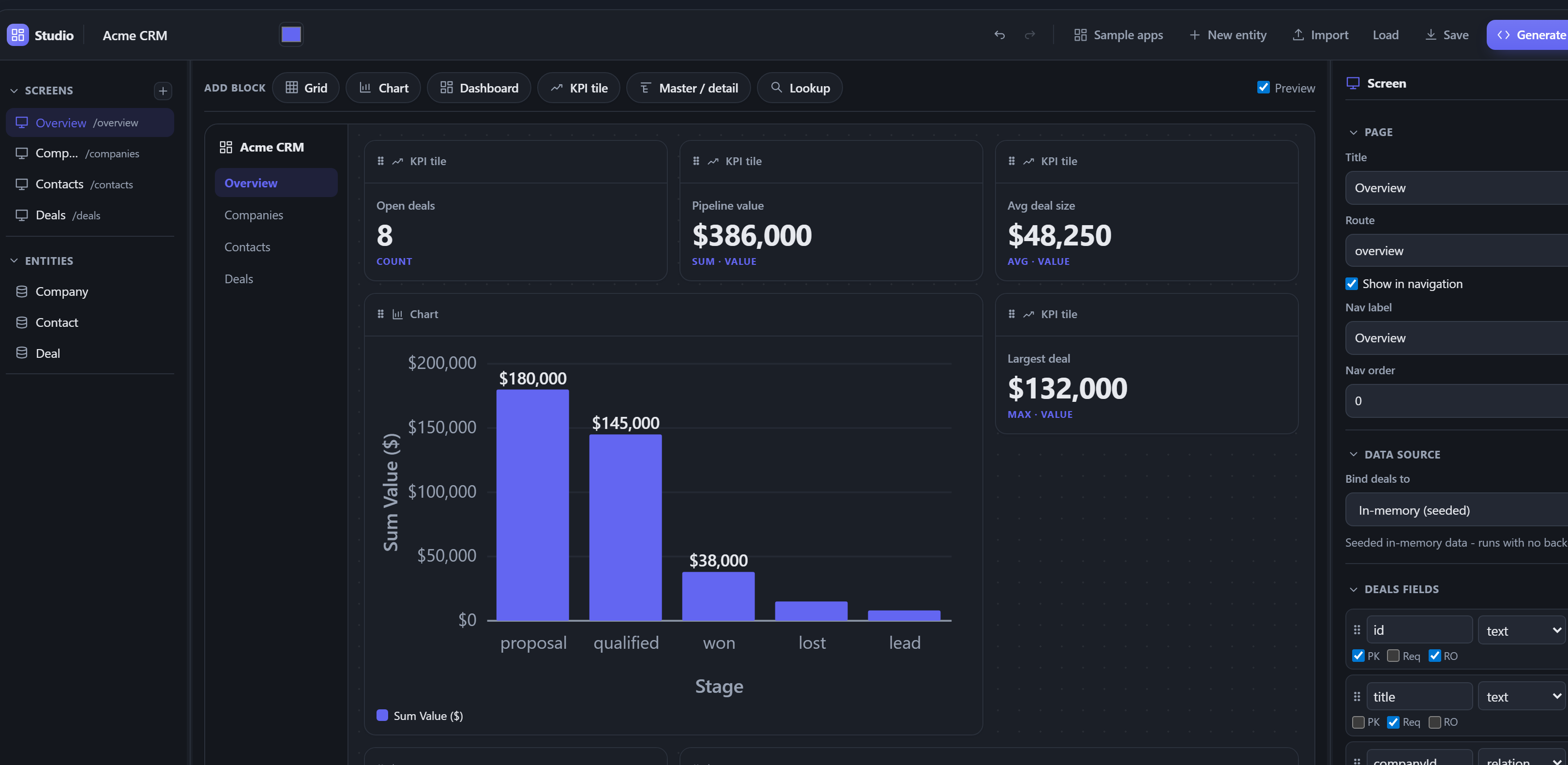
Opening a sample app gives you a complete, themed app in one click. Here the CRM sample - a dashboard with KPI tiles and a deal-pipeline chart, ready to explore or point at your own data:
Connect a live database
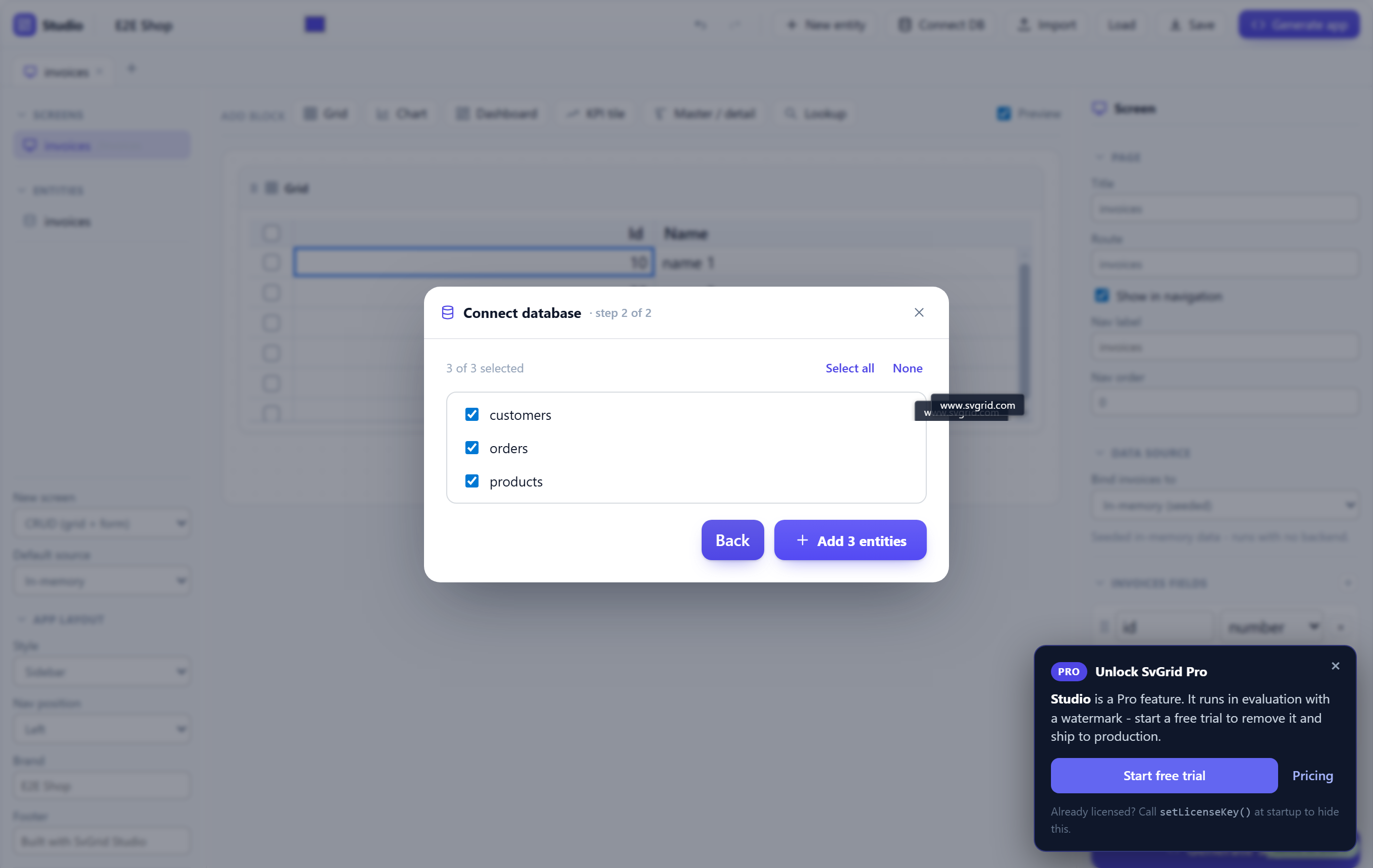
Connect DB (toolbar) opens a wizard that reads your database and turns its tables into entities - no hand-typing a schema:
- Pick the database (PostgreSQL / MySQL / SQL Server / SQLite / Supabase) and paste a connection string.
- The designer lists the tables; tick the ones you want.
- Add them - each becomes an entity + screen, with columns typed from the
catalog and foreign keys turned into relations. Every added entity is
bound to its SQL table, so Generate app emits a connected
src/routes/api/<table>/+server.ts(driver +DATABASE_URL) for it.
Each database needs a driver (pg / mysql2 / mssql / better-sqlite3), but
you don't have to install it yourself: Studio checks the folder you launched the
designer in, detects its package manager (pnpm / yarn / bun / npm from the
lockfile) and installs the missing one for you. If that fails - no network, a
locked file - it says which command to run by hand. The connection stays on your
machine: the local designer server does the read; nothing is sent to a cloud. To
scaffold from a schema file or a live DB straight from the terminal instead, use
npx @svgrid/studio add.
Options
| Flag | Default | Description |
|---|---|---|
--config <path> |
./studio.config.json |
The design file to load + auto-save. |
--out <dir> |
. |
Folder the generated app is written into (Save to folder). |
--port <n> |
4321 |
Port to serve on. |
--no-open |
- | Don't open the browser (print the URL only). |
# keep the design and the generated app in separate folders
npx @svgrid/studio designer --config ./design/app.json --out ./generated-app
How it fits together
The design is a StudioProject (the same model the app designer
edits and the CLI can regenerate from). studio.config.json is that
model on disk, so the designer, npx @svgrid/studio designer, and
npm create @svgrid/studio -- --project ./studio.config.json all read and write
the one file - design visually, regenerate from CI, or hand it to a teammate.
See also
- Visual app designer - the canvas, blocks, and grid property editor
- The Studio CLI -
adda screen from a schema or a live database - Getting started - the full first-app walkthrough
Related articles
- Introducing SvGrid - A Native Svelte 5 Data Grid from jQWidgets - SvGrid is a headless-first data grid built specifically for Svelte 5 runes. Here is what it does differently, why the architecture matters, and how to get started in under ten minutes.