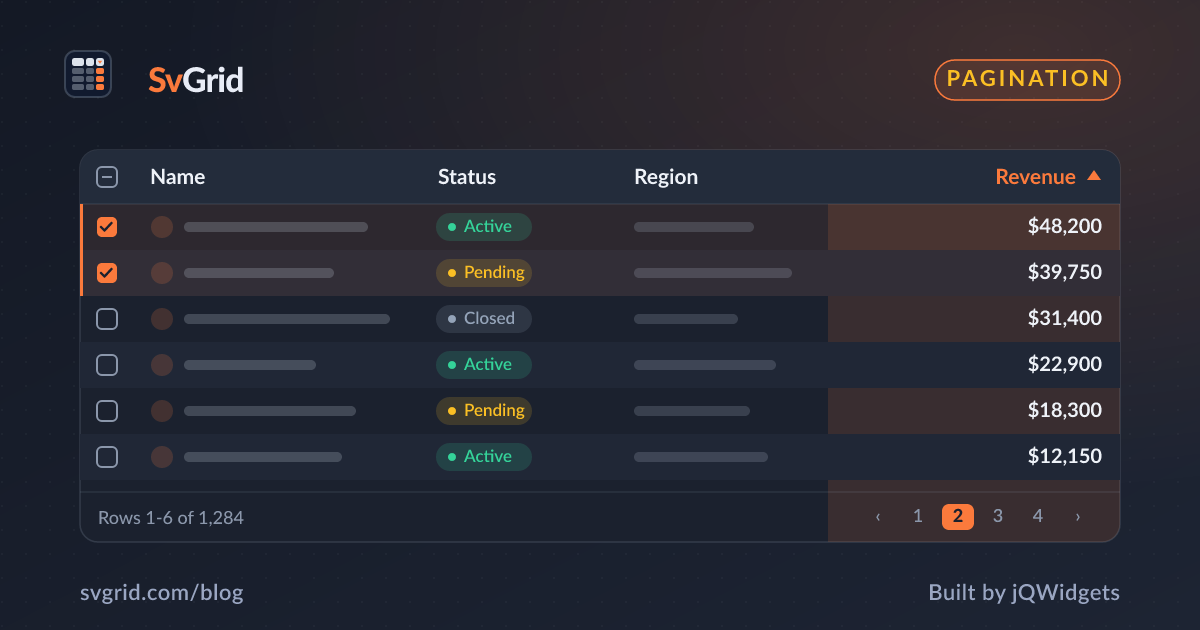
Server-Side Data - Pagination, Sorting, and Filtering on the Backend
Keep 100,000+ rows on the server. SvGrid owns the UI state for sort, filter, and pagination controls - your API owns the data.
Most grids break at around 50,000 rows - not because rendering is hard, but because fetching and parsing a 40 MB JSON payload on every filter change is hard. The right split of responsibility is clear once you name it: the grid owns what the user sees (sort state, filter inputs, current page), and the server owns the data (filtering, sorting, slicing). SvGrid is built with this split in mind.

What "server-side mode" actually means
When you register rowSortingFeature and columnFilteringFeature without wiring up local row models, SvGrid stops processing your data array internally. It renders whatever rows you give it, tracks the sort and filter state in its own reactive stores, and fires callbacks when the user changes either. You decide what to do with those callbacks - usually, fetch from your API and hand back a fresh slice.
The binding stays simple. You bind data to a small array (say, 25 rows per page), set totalRows to the server-reported count, and the pagination controls do the right math without ever seeing the full dataset.
Wiring up createServerDataSource
SvGrid ships a helper that wraps this pattern into a clean interface. You hand it a fetch function and it handles the bookkeeping:
// lib/people-source.ts
import { createServerDataSource } from '@svgrid/grid'

export const peopleSource = createServerDataSource({
  fetch: async ({ page, pageSize, sort, filters }) => {
    const params = new URLSearchParams({
      page: String(page),
      size: String(pageSize),
    })

    if (sort.length) {
      params.set('sortBy', sort[0].id)
      params.set('sortDesc', String(sort[0].desc))
    }

    for (const f of filters) {
      params.set(`filter_${f.id}`, `${f.operator}:${f.value}`)
    }

    const res = await fetch(`/api/people?${params}`)
    if (!res.ok) throw new Error(`API error ${res.status}`)

    const json = await res.json()
    return { rows: json.data, total: json.total }
  },
})
Then in your component, pass the source directly as data:
<script lang="ts">
  import {
    SvGrid,
    tableFeatures,
    rowSortingFeature,
    columnFilteringFeature,
    rowPaginationFeature,
    type ColumnDef,
  } from '@svgrid/grid'
  import { peopleSource } from '$lib/people-source'
  import type { Person } from '$lib/types'

  const features = tableFeatures({
    rowSortingFeature,
    columnFilteringFeature,
    rowPaginationFeature,
  })

  const columns: ColumnDef<typeof features, Person>[] = [
    { id: 'firstName',  field: 'firstName',  header: 'First name',  width: 160 },
    { id: 'lastName',   field: 'lastName',   header: 'Last name',   width: 160 },
    { id: 'department', field: 'department', header: 'Department',  width: 180 },
    { id: 'country',    field: 'country',    header: 'Country',     width: 140 },
    { id: 'age',        field: 'age',        header: 'Age',         width: 80,  type: 'number' },
    {
      id: 'salary',
      field: 'salary',
      header: 'Salary',
      width: 130,
      type: 'number',
      format: { type: 'currency', currency: 'USD', options: { maximumFractionDigits: 0 } },
    },
  ]
</script>

<SvGrid
  {features}
  {columns}
  data={peopleSource}
  pageable
  sortable
  filterable
  showFilterRow={true}
  pageSize={25}
/>
That is the full component. No manual $effect calls, no onSortChange wiring, no sequence counters. The source adapter handles debouncing and in-flight request cancellation internally.
When you need manual control
createServerDataSource covers 90% of cases. The other 10% is when you have complex query logic - multi-field search, GraphQL fragments, request batching - and the adapter's signature gets in the way. In that case, manage state yourself:
<script lang="ts">
  import {
    SvGrid,
    tableFeatures,
    rowSortingFeature,
    columnFilteringFeature,
    type ColumnDef,
    type SvGridApi,
  } from '@svgrid/grid'
  import type { Person } from '$lib/types'

  const features = tableFeatures({ rowSortingFeature, columnFilteringFeature })

  // Only the current page lives here. The server holds the rest.
  let rows    = $state<Person[]>([])
  let total   = $state(0)
  let page    = $state(0)
  let loading = $state(false)
  let api     = $state<SvGridApi<typeof features, Person> | null>(null)

  // Sequence counter prevents stale responses from overwriting fresh ones.
  let seq = 0

  async function load(params: {
    page: number
    sort: { id: string; desc: boolean }[]
    filters: { id: string; operator: string; value: string }[]
  }) {
    const thisSeq = ++seq
    loading = true

    try {
      const res = await fetch('/api/people', {
        method: 'POST',
        headers: { 'Content-Type': 'application/json' },
        body: JSON.stringify(params),
      })
      const json = await res.json()

      if (thisSeq !== seq) return  // a newer request already landed
      rows  = json.data
      total = json.total
    } finally {
      if (thisSeq === seq) loading = false
    }
  }

  $effect(() => {
    load({ page: 0, sort: [], filters: [] })
  })
</script>

<SvGrid
  {features}
  {columns}
  data={rows}
  totalRows={total}
  currentPage={page}
  pageSize={25}
  onSortChange={(sort) => { page = 0; load({ page: 0, sort, filters: [] }) }}
  onFilterChange={(filters) => { page = 0; load({ page: 0, sort: [], filters }) }}
  onPageChange={(p) => { page = p; load({ page: p, sort: [], filters: [] }) }}
  onApiReady={(a) => { api = a }}
/>
The sequence counter pattern on line 30 is not optional in production. Without it, a slow sort request started before a fast filter request can resolve after it, replacing valid filtered data with stale sorted data. You will not see this in development with sub-10 ms local responses, but you will see it in production with real network variance.
Three things that break silently
Forgetting to reset page on sort or filter changes. The user is on page 8, applies a status filter, and your code keeps page = 8. The API gets offset=200 against a result set of 40 rows and returns zero items. The grid shows nothing. Always reset to page 0 inside sort and filter callbacks.
Binding data to the full dataset. If you fetch all 100,000 rows up front and bind them all to data, SvGrid will cheerfully render them - or rather, it will try to, and the virtualization will keep paint cost low, but the initial parse and the filter-row model scan will still run against 100,000 items. Passing a full dataset to a "server-side" grid defeats the entire exercise.
Omitting totalRows. Without it, the pagination controls calculate page count from data.length. If data has 25 rows, the grid thinks you have 1 page of 25 items. Users can never navigate beyond what is loaded. Always pass the count the server reported.
Debouncing filter input
The grid fires onFilterChange on every keystroke in a filter cell. That is correct behavior - your code decides how often to actually fetch. A 300 ms debounce is the practical minimum for text filters:
// lib/debounce.ts
export function debounce<T extends (...args: Parameters<T>) => void>(
  fn: T,
  ms: number
): T {
  let timer: ReturnType<typeof setTimeout>
  return ((...args) => {
    clearTimeout(timer)
    timer = setTimeout(() => fn(...args), ms)
  }) as T
}

// In component:
const debouncedFilter = debounce((filters) => {
  page = 0
  load({ page: 0, sort: currentSort, filters })
}, 300)
Number filters and dropdown filters (where the user picks from a list rather than typing) do not need debouncing - the value is final when the callback fires.
API-driven sorts and filters
api.setSort('salary', 'desc') and api.setFilter('department', { operator: 'equals', value: 'Engineering' }) both update the grid's internal state and fire the corresponding onSortChange or onFilterChange callback. This means programmatic control from a toolbar or a URL param restoration goes through the exact same code path as user interaction. No special handling needed.
api.getState() captures the full current view state - sort, filter, pagination, column visibility, widths - and api.setState(savedState) restores it. Persist this to localStorage or a URL param and your users keep their grid configuration across sessions with zero extra code.
Related reading
- Live demo: Server-side data
- Docs: Server-side data
- Pagination Patterns - Offset, Cursor, and Infinite Scroll
- Using SvGrid with TanStack Query in Svelte
- A Svelte Data Grid with SvelteKit and Supabase
- A Svelte Data Grid with Drizzle ORM
- A Svelte Data Grid with Prisma
Tagged: Server-side data