Going AI-Native: The SvGrid MCP Server
Most AI assistants invent data grid APIs. We built an MCP server so they look up the real one instead.
Ask any AI assistant to scaffold a Svelte data grid and watch what happens. The code looks plausible - column definitions, event handlers, props with sensible names. Then you try to run it. Half the props do not exist. The sort callback signature is wrong. The filtering API is borrowed from a different library. You spend the next twenty minutes debugging code that was never real.
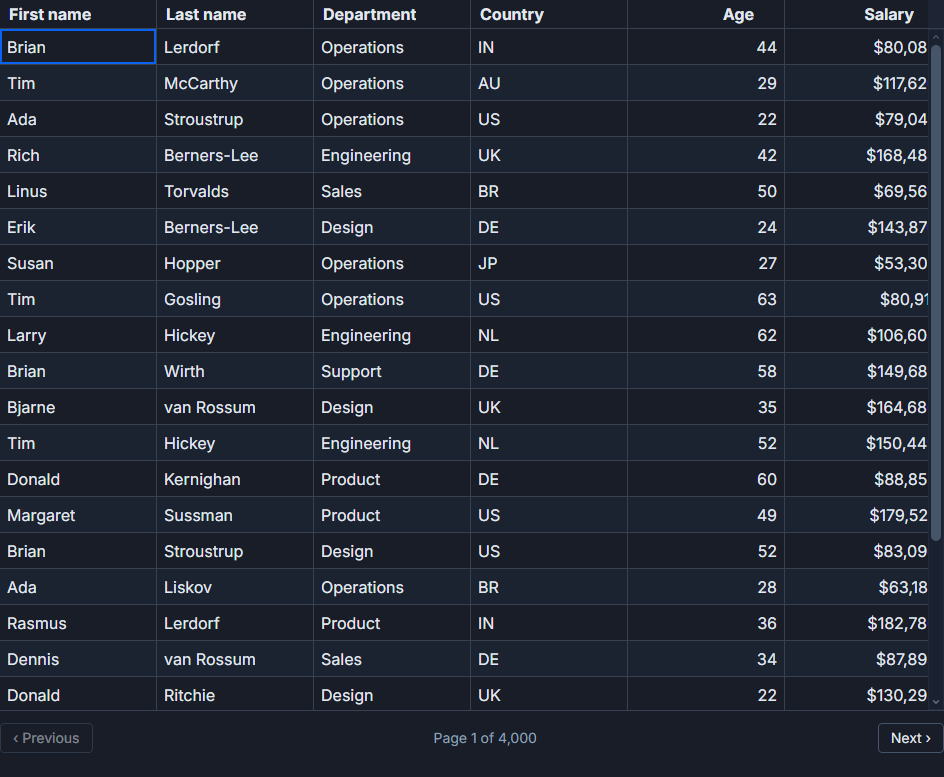
This is not an edge case. It is the baseline experience with any library that is not deeply baked into an assistant's training data. The assistant interpolates from pattern-matches across dozens of grids, produces something that reads as correct, and moves on.
We decided that was not acceptable for SvGrid. The AI integration came last in the build sequence, but it was never optional.
Why AI assistants get grids wrong
The problem has a specific cause. An assistant working from training data is averaging over whatever it saw at crawl time. If you are a mature library with years of Stack Overflow answers, the average is probably close to the real API. If you are newer, or if you have changed your API significantly, the average is noise.
Data grids make this worse because they have large, interconnected APIs. Prop names, feature flag objects, imperative methods, column definition shapes - they vary substantially between libraries, and an assistant reasoning from partial information will confidently combine pieces from different ones. The result compiles visually and fails at runtime.
The only way to fix this is to give the assistant a reliable lookup path.
What @svgrid/mcp does
We built @svgrid/mcp as a Model Context Protocol server. MCP is a standard that lets editors like Cursor and Claude Code expose tools an assistant can call during generation. Instead of reasoning from training data alone, the assistant can call a tool, get the real current documentation or example source, and use that as the basis for its output.
For SvGrid specifically the server exposes three things: the live documentation (so feature explanations are accurate), the working example sources (so generated code copies patterns that actually run), and the typed API reference (so prop names and method signatures match what the package exports).
Wiring it in takes one config block:
{
  "mcpServers": {
    "sv-grid": { "command": "npx", "args": ["@svgrid/mcp"] }
  }
}
After that, when you ask your assistant to add server-side pagination to an existing grid, it retrieves the createServerDataSource signature and the relevant example before it writes a single line. What it produces is grounded.
What grounded output actually looks like
The difference shows up immediately when you work with features that have non-obvious shapes. Server-side data is a good test case. An assistant working from training data will typically invent a callback prop or produce an onPageChange handler pattern borrowed from a UI library. With the MCP server it retrieves the real pattern:
import { createServerDataSource } from '@svgrid/grid'
import type { SvGridOptions, ColumnDef, TableFeatures } from '@svgrid/grid'

const ds = createServerDataSource({
  fetch: async ({ page, pageSize, sort, filters }) => {
    const params = new URLSearchParams({
      page: String(page),
      size: String(pageSize),
    })

    if (sort.length) {
      params.set('sort', sort[0].id)
      params.set('dir', sort[0].desc ? 'desc' : 'asc')
    }

    for (const f of filters) {
      params.set(`filter[${f.id}]`, String(f.value))
    }

    const res = await fetch(`/api/data?${params}`)
    const json = await res.json()
    return { rows: json.data, total: json.total }
  },
})
That comes back correctly typed and ready to pass as data to <SvGrid>. No invented props, no mismatched callback signatures.
The same holds for the imperative API. An assistant guessing at method names will often get the shape wrong - calling api.sort() instead of api.setSort(), or passing the wrong argument order. With the reference available, it calls what exists:
import SvGrid from '@svgrid/grid'
import type { SvGridApi } from '@svgrid/grid'

let api: SvGridApi | undefined

function applyWorkingFilter() {
  if (!api) return
  api.setFilter('status', { operator: 'equals', value: 'active' })
  api.setFilter('revenue', { operator: 'between', value: '10000', valueTo: '50000' })
  api.setSort('revenue', 'desc')
  api.setPage(1) // reset to first page after filter change
}

function exportCurrentView() {
  if (!api) return
  const rows = api.getDisplayedRows()
  // rows reflects current sort + filter + pagination
  downloadCsv(rows)
}
The llms.txt feed
Not every assistant speaks MCP. Retrieval-augmented tools, web-enabled models, and AI search engines all have their own mechanisms for indexing documentation. For those we published an llms.txt feed at the site root.
llms.txt is a simple convention, roughly the robots.txt equivalent for AI crawlers. It points to a structured, machine-readable summary of the site that a retrieval system can index cleanly rather than parsing HTML. Assistants that find SvGrid through search get documentation-grounded answers instead of best guesses.
The combination covers the two main paths: interactive coding assistants via MCP, and retrieval-based tools via the text feed.
The principle behind the decision
We did not build this as a marketing exercise. AI assistants change the actual experience of adopting a library. When generated code works on the first try, you spend your time on the actual problem. When it invents an API, you spend it debugging fiction.
The team has shipped tools that meet developers where they are since 2011 - jQuery, then Angular and React bindings, then web components, then native Svelte 5. AI-assisted development is where a large share of grid code is being written right now. Showing up there was not a stretch, it was the same move, one more time.
The technical how-to for connecting the MCP server to your editor is in Build Svelte Grids Faster with AI and the SvGrid MCP Server. That post covers editor-specific config, the tool set the server exposes, and what to do when an assistant still goes off-script.
Related reading
- Docs: MCP server
- Prompts That Build a Svelte Data Grid (Claude & Cursor)
- Build Svelte Grids Faster with AI and the SvGrid MCP Server
- Using SvGrid with Cursor, Zed, and Windsurf
- How We Built Excel-Style Filters
- Inside SvGrid: A Theming System on CSS Variables
Tagged: AI and LLMs, MCP server