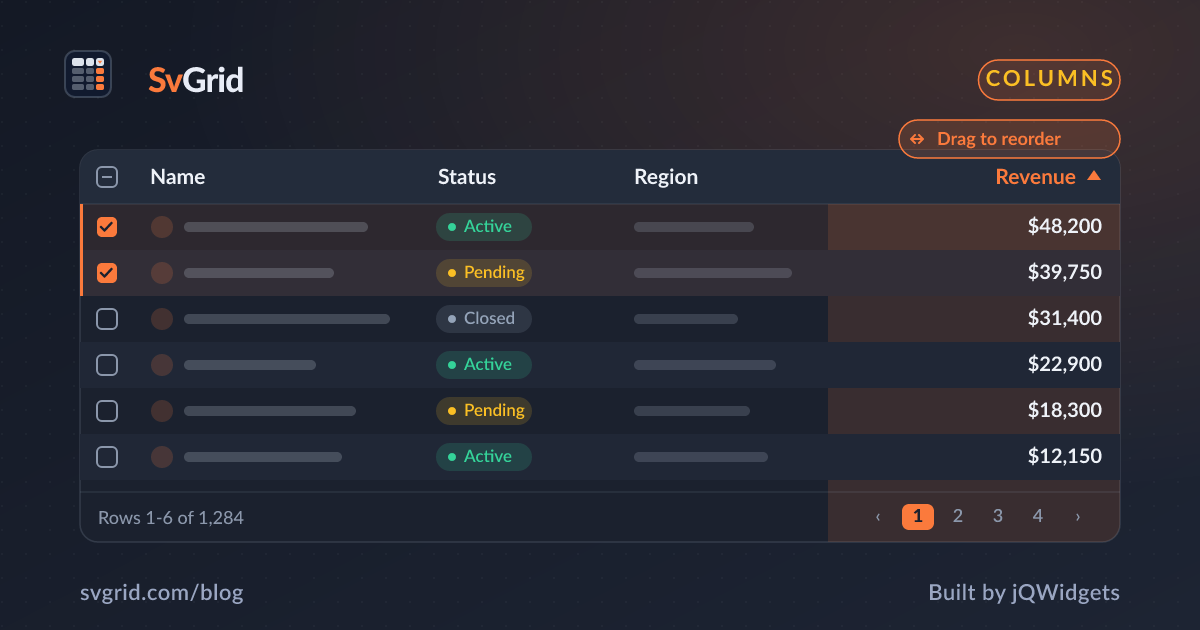
Column Resizing and Reordering - Let Users Shape the Grid
How to wire drag-to-resize and drag-to-reorder in SvGrid, then persist the layout to localStorage so it survives page reloads.
Drag-to-resize and drag-to-reorder are the two features users notice first when they are missing. A grid where the Description column is too narrow to read is a grid people work around, not with. SvGrid ships both behaviors behind two boolean props and exposes four API methods to read and restore whatever the user has changed.
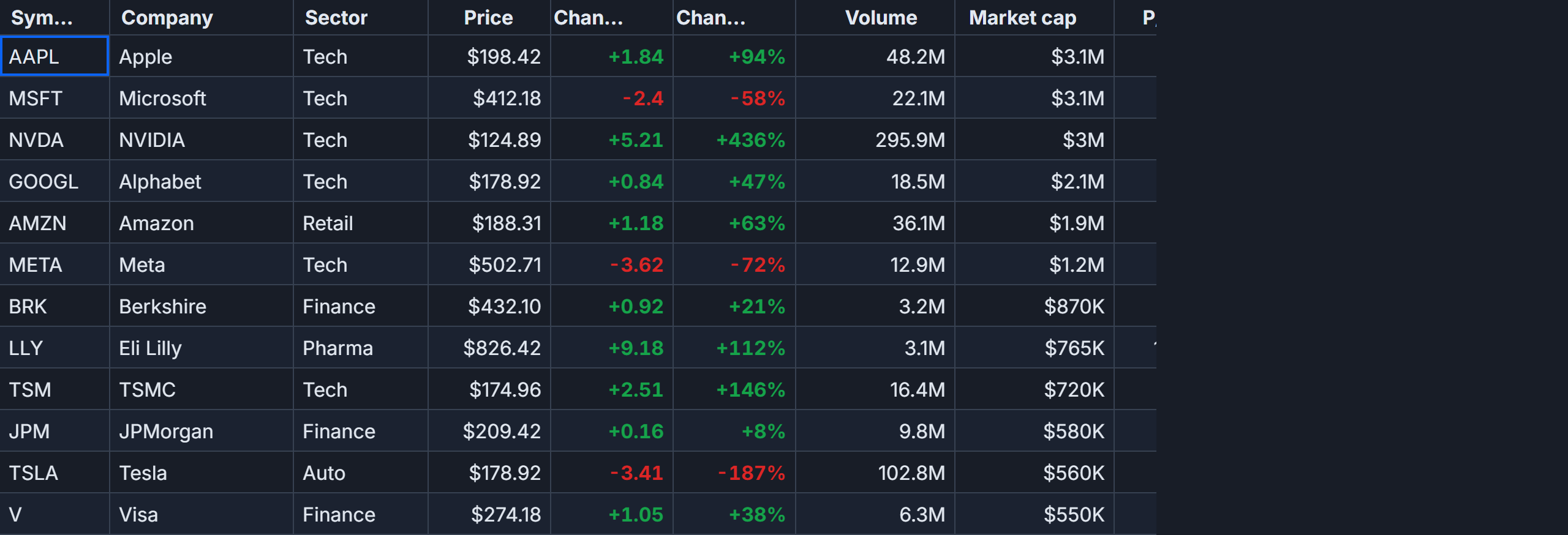
This post covers: enabling the interactions, persisting column layout to localStorage, and the order-of-operations trap that corrupts positions if you apply state in the wrong sequence.
Enabling resize and reorder
Both behaviors default to off. Turn them on with columnResizing and columnReordering:
<SvGrid
  data={rows}
  {columns}
  columnResizing={true}
  columnReordering={true}
  {onApiReady}
  height={520}
/>
That is enough to make the grid interactive. A drag handle appears at the right edge of each header cell. Dragging it resizes the column. Dragging the header cell itself reorders. Neither feature requires a feature flag or a plugin import.
If you need to lock a specific column while leaving the global option on, set resizable: false or reorderable: false directly on the ColumnDef:
import type { ColumnDef } from '@svgrid/grid'

const columns: ColumnDef<Row>[] = [
  { field: 'id',     header: 'ID',     width: 80,  resizable: false, reorderable: false },
  { field: 'name',   header: 'Name',   width: 200 },
  { field: 'status', header: 'Status', width: 120 },
  { field: 'price',  header: 'Price',  width: 120, type: 'number' },
]
The id column stays at 80 px and cannot be dragged out of position. Everything else is free.
Reading and writing layout state
SvGrid tracks column widths and order through the API, not through reactive Svelte state. After the grid mounts, onApiReady fires and you have access to four methods:
api.getColumnWidths()- returnsRecord<string, number>, keyed by field nameapi.getColumnOrder()- returnsstring[]of field names in display orderapi.setColumnWidth(field, pixels)- sets one column's widthapi.setColumnOrder(fields)- reorders all columns at once
Keys are field names, not column indexes. That matters for persistence: if your schema changes between deploys, a width stored under "description" continues to apply to the Description column regardless of where it sits in the array. An index-based store would silently apply the wrong width to whatever column happens to occupy position 2.
Persisting layout across reloads
Here is the full persistence layer. The component loads any saved snapshot in onApiReady, persists after each drag gesture, and provides a reset button:
<script lang="ts">
  import SvGrid from '@svgrid/grid'
  import { tableFeatures, rowSortingFeature } from '@svgrid/grid'
  import type { ColumnDef, SvGridApi } from '@svgrid/grid'

  type Row = {
    id: number
    name: string
    description: string
    status: 'active' | 'draft' | 'archived'
    price: number
  }

  const STORAGE_KEY = 'catalog-grid-layout'

  type LayoutSnapshot = {
    version: number
    widths: Record<string, number>
    order: string[]
  }

  const SCHEMA_VERSION = 1

  const defaultColumns: ColumnDef<Row>[] = [
    { field: 'id',          header: 'ID',          width: 80  },
    { field: 'name',        header: 'Name',        width: 200 },
    { field: 'description', header: 'Description', width: 320 },
    { field: 'status',      header: 'Status',      width: 120 },
    { field: 'price',       header: 'Price',       width: 120, type: 'number' },
  ]

  function loadLayout(): LayoutSnapshot | null {
    try {
      const raw = localStorage.getItem(STORAGE_KEY)
      if (!raw) return null
      const snap = JSON.parse(raw) as LayoutSnapshot
      // Drop saved state when the column schema changes.
      return snap.version === SCHEMA_VERSION ? snap : null
    } catch {
      return null
    }
  }

  function saveLayout(api: SvGridApi) {
    const snapshot: LayoutSnapshot = {
      version: SCHEMA_VERSION,
      widths:  api.getColumnWidths(),
      order:   api.getColumnOrder(),
    }
    localStorage.setItem(STORAGE_KEY, JSON.stringify(snapshot))
  }

  // Rows omitted for brevity - imagine 200 product records here.
  const rows: Row[] = []

  let api = $state<SvGridApi | null>(null)

  function onApiReady(readyApi: SvGridApi) {
    api = readyApi
    const saved = loadLayout()
    if (!saved) return

    // Order MUST be applied before widths. Widths land on the column
    // occupying a position at the time of the call, so if order is wrong
    // first, widths end up on the wrong columns.
    if (saved.order.length === defaultColumns.length) {
      api.setColumnOrder(saved.order)
    }
    for (const [field, width] of Object.entries(saved.widths)) {
      api.setColumnWidth(field, width)
    }
  }

  function handleReset() {
    if (!api) return
    localStorage.removeItem(STORAGE_KEY)
    api.setColumnOrder(defaultColumns.map(c => c.field as string))
    for (const col of defaultColumns) {
      api.setColumnWidth(col.field as string, col.width ?? 120)
    }
  }

  // SvGrid fires CustomEvents on the wrapper div when gestures complete.
  // Persist on gesture end, not on every pointermove.
  function onColumnChange(e: Event) {
    const type = (e as CustomEvent).type
    if (api && (type === 'columnResized' || type === 'columnMoved')) {
      saveLayout(api)
    }
  }
</script>

<div class="bar">
  <button onclick={handleReset}>Reset layout</button>
</div>

<!-- svelte-ignore a11y-no-static-element-interactions -->
<div oncolumnresized={onColumnChange} oncolumnmoved={onColumnChange}>
  <SvGrid
    data={rows}
    columns={defaultColumns}
    features={tableFeatures([rowSortingFeature])}
    columnResizing={true}
    columnReordering={true}
    {onApiReady}
    height={520}
  />
</div>

<style>
  .bar {
    display: flex;
    align-items: center;
    gap: 10px;
    padding: 6px 0 10px;
  }
</style>
The order-before-widths rule
This is the trap that burns people. If you call api.setColumnWidth('description', 320) while columns are still in their saved (reordered) positions from a previous session but you have not yet applied the order from the snapshot, you may be setting the width on whatever column currently occupies the description slot rather than the Description column itself.
The safe sequence is always:
api.setColumnOrder(saved.order)- lock down positions firstapi.setColumnWidth(field, px)for each saved field - then apply widths
Since widths are keyed by field name, the practical risk is lower than it sounds - field-name lookup routes to the right column regardless of position. But the API contract does not guarantee that in all future versions, and any custom header renderer that reads column index instead of field is immediately affected. Apply order first and you never have to think about it.
What fires columnResized and columnMoved
SvGrid fires those CustomEvents on the DOM element that wraps <SvGrid>, not on the grid element itself. They fire once per gesture at pointer-up time, not on every pixel of the drag. This makes them safe to use as persistence triggers - localStorage.setItem is synchronous and takes 0.5-2 ms, which is invisible at gesture-end but noticeable if called on pointermove at 60 fps.
Both events carry a detail object. columnResized includes { field, width }. columnMoved includes { order } - the full new order array. You could skip api.getColumnWidths() and api.getColumnOrder() and pull state directly from the event detail if you prefer not to call back into the API.
Schema version guard
Rename a column field or add a new column and the saved snapshot is now stale. Width keys for unknown fields are silently ignored, which is fine. But a saved order with four entries applied to a five-column schema will cause the fifth column to not appear at all until the user resets.
The version field in LayoutSnapshot handles this. Increment SCHEMA_VERSION whenever the column definition changes in a breaking way. The loadLayout function returns null for any snapshot at a different version, which causes the grid to start fresh from defaultColumns. Users lose their customization once on upgrade, but they are never stuck looking at a broken layout.
You can soften this by doing a merge instead of a hard reset - take the saved order, filter out any fields not in the current schema, insert any new fields at the end, and reconstruct a valid order. That is more code but the right call for grids where users do heavy customization they would hate to lose.
Pinned columns and reordering
columnReordering does not respect the pin boundary by default. A user can drag a non-pinned column to the left of a left-pinned column, which puts it visually in the pin zone without it being pinned. The result looks wrong and the saved order will reflect the bad state.
Two practical options:
- Set
reorderable: falseon pinned columns so they cannot be dragged. - On
columnMoved, validate the order before saving: confirm that pinned fields are still at the correct boundaries.
Option one is simpler and usually the right call. Users rarely want to move an ID column or an actions column.
Named views as the higher-level alternative
If you need to save more than column layout - sort state, filters, grouping, page size - look at createNamedViews with localStorageViews. It persists full grid state in a single call and provides a views UI out of the box. The raw API approach shown here is the right fit when you only care about column layout and want full control over the storage format.
The runnable demo at /demos/171-persistent-state shows localStorageViews in action alongside the column-only approach covered here.