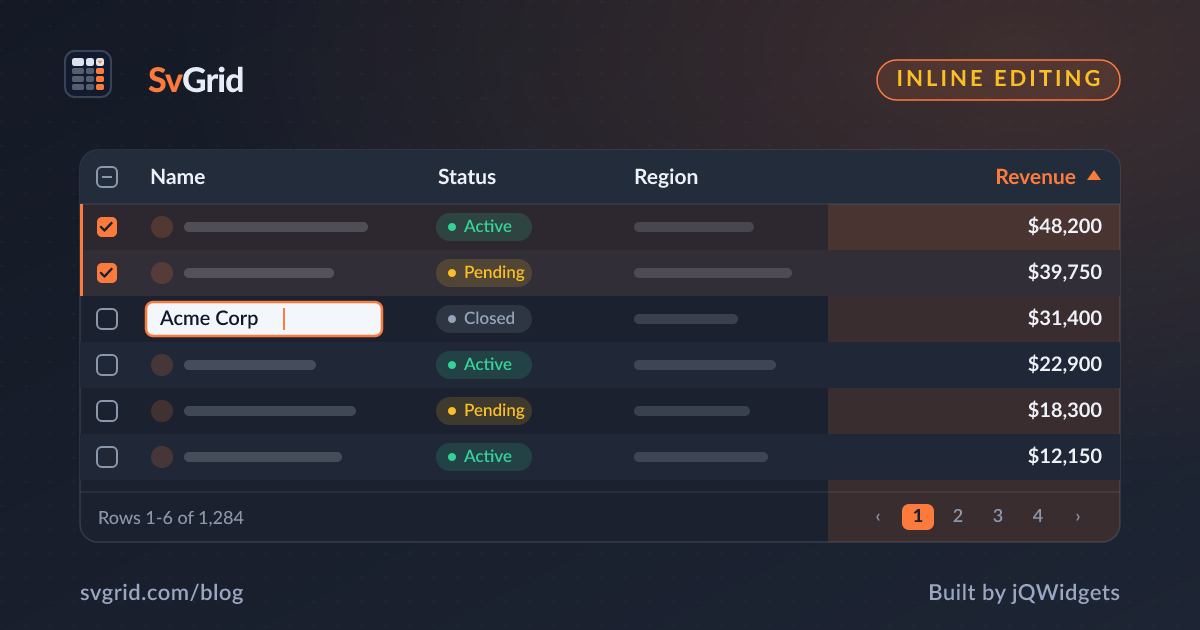
Inside SvGrid: The Inline Editing Engine
How SvGrid handles inline cell editing - typed editors, an event-based commit model, undo/redo, and why the grid never touches your data directly.
There is a clear line between a data viewer and a data tool. A grid that can sort and filter is useful. A grid where you can double-click a cell, change the value, and have that change propagate correctly through validation, server sync, and undo history is a different product entirely. Building that second thing required making a decision that felt wrong at first: the grid should never write to your data.
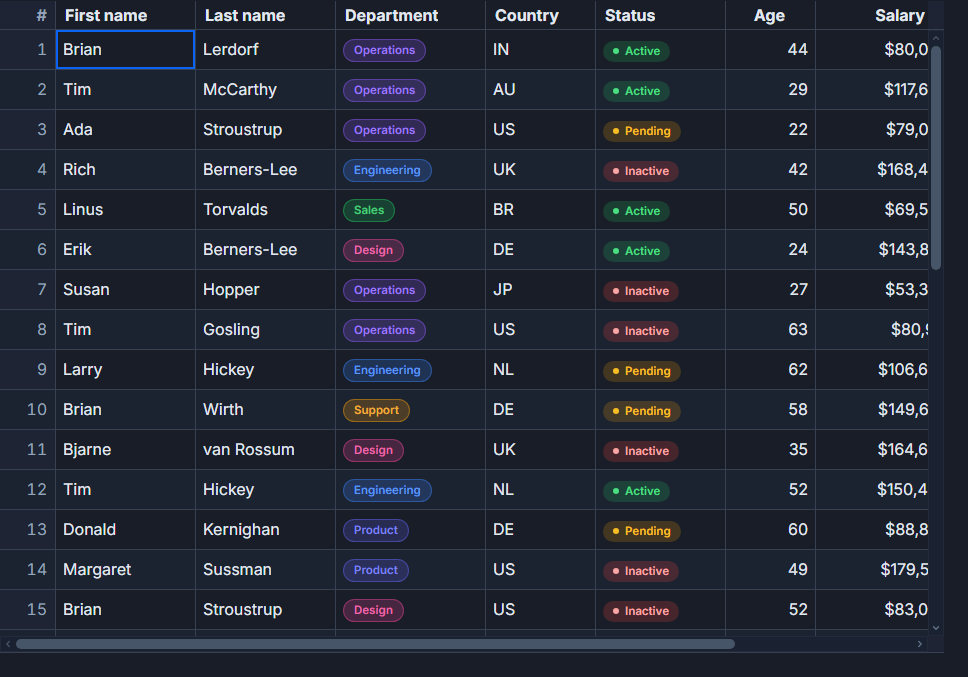 Inline cell editing in SvGrid.
Why the grid emits instead of mutates
The tempting design is to have the grid own the mutation. User edits a cell, grid updates the row, you subscribe to a change event to sync to your server. Simple.
The problem shows up at scale. You want optimistic rollback when the server rejects a value. You want to run a business rule that rejects negative quantities even before the server sees them. You want two grids on the same page sharing the same reactive $state store. Every one of those is easier if the grid treats editing as "I have a proposed change, here is the old value and the new value, you decide what to do."
// Handle the commit event from the grid
function onCellValueChange(e: {
  rowIndex: number
  columnId: string
  oldValue: unknown
  newValue: unknown
  row: MyRow
}) {
  // Optimistic update - replace locally first
  rows[e.rowIndex] = { ...e.row, [e.columnId]: e.newValue }

  // Fire-and-forget to server; rollback on failure
  saveRow(e.row.id, e.columnId, e.newValue).catch(() => {
    rows[e.rowIndex] = { ...e.row, [e.columnId]: e.oldValue }
  })
}
The grid's job is to manage editors, keyboard flow, and focus. Your job is to decide whether a value is accepted. Keeping those two concerns separated makes both halves cleaner.
Typed editors and why the type must survive the round-trip
Every column that participates in editing declares an editorType. The options cover the common cases: text, number, checkbox, date, and select. The column definition wires it up:
import SvGrid from '@svgrid/grid'
import type { ColumnDef } from '@svgrid/grid'

const columns: ColumnDef<typeof features, Product>[] = [
  {
    id: 'name',
    field: 'name',
    header: 'Name',
    width: 200,
    editable: true,
    editorType: 'text',
  },
  {
    id: 'price',
    field: 'price',
    header: 'Price',
    width: 120,
    type: 'number',
    editable: true,
    editorType: 'number',
  },
  {
    id: 'inStock',
    field: 'inStock',
    header: 'In Stock',
    width: 100,
    editable: true,
    editorType: 'checkbox',
  },
  {
    id: 'category',
    field: 'category',
    header: 'Category',
    width: 150,
    editable: true,
    editorType: 'select',
    editorOptions: { items: ['Electronics', 'Clothing', 'Food'] },
  },
]
The type discipline matters past the editor itself. When a number editor commits, it commits the JavaScript number 42, not the string "42". A sorting comparator on that column gets a real number. A filter comparing price ranges gets a real number. Without that, you get subtle breakage that is annoying to debug because the data looks fine in the cell.
Keyboard flow modeled on what people already know
Anyone entering data in volume works on the keyboard. We did not invent a new key scheme - we matched what spreadsheet users already have in muscle memory:
- F2 or double-click to open the editor
- Enter to commit and move focus down
- Tab to commit and move focus right (Shift+Tab moves left)
- Escape to cancel and restore the previous value
- Arrow keys while not editing to navigate between cells
This means a user can move through a column, fix values one by one, and never touch the mouse. The active cell is part of the grid's roving focus model, so keyboard navigation and editing are not two separate modes bolted together - they share the same focus tracking.
The API exposes editing control imperatively too, which matters for forms that need to programmatically trigger edit mode:
import SvGrid, { type SvGridApi } from '@svgrid/grid'

let api: SvGridApi

function handleAddRow() {
  const newRow = { id: crypto.randomUUID(), name: '', price: 0, inStock: true }
  api.addRow(newRow)
  // Drop into edit mode on the new row's first editable column immediately
  api.startEditing(api.getDisplayedRows().length - 1, 'name')
}

function handleBulkEdit() {
  // Stop any in-progress edit before applying a bulk transaction
  api.stopEditing()
  api.applyTransaction({
    update: selectedRows.map(r => ({ ...r, inStock: false })),
  })
}
Validation happens in layers
One hook that runs when you commit is not enough for real applications. Validation has at least three levels that are worth keeping separate:
Input-level - the editor itself restricts what can be typed. A number editor does not accept letters. A date editor does not accept strings that do not parse to a date. This runs inside the grid before any event fires.
Business-rule-level - your onCellValueChange handler runs the rule and decides whether to accept or reject the proposed value. If it rejects, it just does not update the row. If you want to show feedback, that is your state to manage.
Server-level - the value is accepted locally, a request goes out, and the response may still reject it. This is the rollback pattern from the earlier code block.
Because the grid does not own the data, none of these levels conflict. You compose them in your handler however the application requires.
Undo and redo as a first-class concern
The editing engine feeds SvGrid's undo/redo stack. Every committed cell change is a reversible operation, and so are row additions and deletions through applyTransaction. The API surface for this is intentionally minimal:
// Keyboard shortcuts (Ctrl+Z / Ctrl+Y) are wired automatically.
// You can also drive undo programmatically:

function setupEditingControls(api: SvGridApi) {
  function onKeydown(e: KeyboardEvent) {
    if (e.ctrlKey && e.key === 'z') {
      if (api.canUndo()) api.undo()
      e.preventDefault()
    }
    if (e.ctrlKey && e.key === 'y') {
      api.redo()
      e.preventDefault()
    }
  }

  // Or use built-in toolbar buttons that reflect canUndo() state reactively
  return {
    canUndo: () => api.canUndo(),
    undo: () => api.undo(),
    redo: () => api.redo(),
  }
}
The undo stack does not replay events through your handler - it stores the before/after values and applies them directly to the data. That means rollbacks are instant and do not trigger server calls, which is almost always what you want.
Where this leaves you
The editing model ends up being: the grid handles the UX, you handle the data. Double-click opens an editor, the editor enforces type, the user commits with Enter, you get an event with old and new values, you decide what sticks.
That is more code on your side than a grid that just mutates the row array. But it is code you control, and that turns out to matter the moment your requirements go past a toy demo. Server sync with rollback, cross-field validation, conditional editability per row, audit logging of changes - all of those are patterns you write in your change handler, not hacks you bolt onto the grid.
The full working patterns for validation rules and optimistic updates are in Inline Editing with Validation in SvGrid and Optimistic Updates. The next capability that editing enabled was a living dataset with grouping and tree rows: grouping, trees, and master-detail.