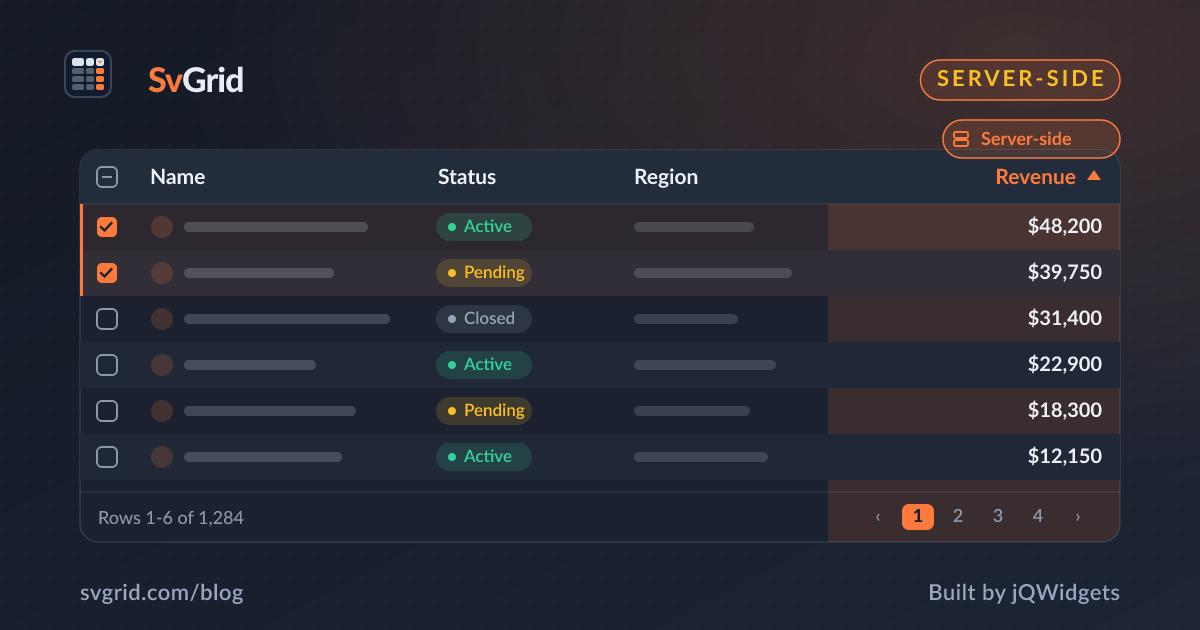
A Svelte Data Grid with a Plain REST API
Drive SvGrid from any REST backend - mapping the grid's sort, filter, and page state to query parameters, with debouncing and request cancellation.
You do not need an ORM or a fancy client to drive a data grid server-side - a plain REST endpoint and fetch are enough. The key is mapping SvGrid's state to query parameters and returning a total count. Here is a clean, production-ready pattern.
The contract
Your endpoint accepts page, size, sort, desc, and q, and returns { rows, total }. SvGrid records the state; you translate and fetch.
async function fetchPeople(s: { page: number; size: number; sort: string; desc: boolean; q: string }, signal: AbortSignal) {
  const params = new URLSearchParams({
    page: String(s.page), size: String(s.size), sort: s.sort, desc: String(s.desc), q: s.q,
  })
  const res = await fetch(`/api/people?${params}`, { signal })
  if (!res.ok) throw new Error(`HTTP ${res.status}`)
  return res.json() as Promise<{ rows: Row[]; total: number }>
}
Wire it with debounce + cancellation
The two things a hand-rolled fetch must get right: do not fire on every keystroke, and do not let a slow old response overwrite a new one.
<script lang="ts">
  let s = $state({ page: 0, size: 50, sort: 'name', desc: false, q: '' })
  let rows = $state<Row[]>([]), total = $state(0)
  let controller: AbortController | null = null
  let timer: ReturnType<typeof setTimeout>

  function reload() {
    clearTimeout(timer)
    timer = setTimeout(async () => {
      controller?.abort()
      controller = new AbortController()
      try { const r = await fetchPeople(s, controller.signal); rows = r.rows; total = r.total }
      catch (e) { if ((e as Error).name !== 'AbortError') console.error(e) }
    }, 250)
  }
  $effect(reload)
</script>

<SvGrid data={rows} columns={columns} features={features}
  showPagination rowCount={total}
  onSortingChange={(x) => s = { ...s, sort: x[0]?.id ?? 'name', desc: !!x[0]?.desc }}
  onFiltersChange={(f) => s = { ...s, q: f.columns[0]?.value ?? '' }}
  onPaginationChange={(p) => s = { ...s, page: p.pageIndex }} />
Server side
Whatever your stack, the endpoint runs ORDER BY, a WHERE/LIKE, and LIMIT/OFFSET, plus a COUNT(*). Return the page and the total. See client-side vs server-side data for when this is worth it.
Frequently asked questions
How do I connect SvGrid to a REST API?
Map the grid's sort, filter, and page state to query parameters in a fetch, return { rows, total } from your endpoint, and pass them to SvGrid as data and rowCount. Debounce the requests and cancel stale ones with AbortController.
How do I stop an old response overwriting a newer page?
Use an AbortController: abort the previous request before starting a new one, and ignore AbortError. That guarantees only the latest request's result reaches the grid.