A Svelte Data Grid with Drizzle ORM
Drive SvGrid from a Drizzle ORM backend in SvelteKit - type-safe server-side sorting, filtering, and pagination against Postgres or SQLite.
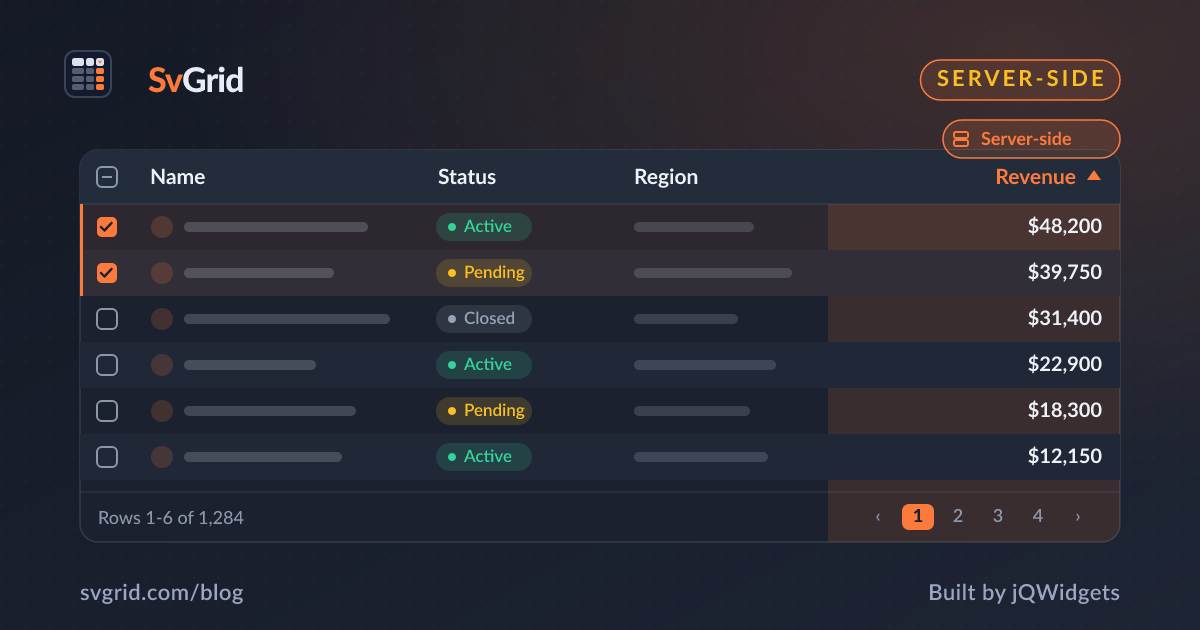
Drizzle ORM gives you fully typed SQL in TypeScript. Paired with SvGrid's external mode, you get a data grid where the types flow from the database all the way to the column definitions. Here is how to wire server-side sorting, filtering, and pagination.
The pattern
SvGrid reports sort/filter/page state; your Drizzle query turns that into typed SQL and returns the page plus a total count.
// server: query.ts
import { db } from '$lib/server/db'
import { people } from '$lib/server/schema'
import { asc, desc, ilike, sql } from 'drizzle-orm'

export async function queryPeople(opts: {
  page: number; size: number; sort: string; desc: boolean; q: string
}) {
  const order = opts.desc ? desc(people[opts.sort]) : asc(people[opts.sort])
  const where = opts.q ? ilike(people.name, `%${opts.q}%`) : undefined

  const rows = await db.select().from(people)
    .where(where).orderBy(order)
    .limit(opts.size).offset(opts.page * opts.size)

  const [{ count }] = await db.select({ count: sql<number>`count(*)` })
    .from(people).where(where)

  return { rows, total: Number(count) }
}
Wire it to a SvelteKit endpoint
Expose it behind +server.ts so the database stays on the server, then call it from the grid's callbacks and pass the result back as data plus rowCount. See the server-side pattern for the component side.
Why this combo is nice
- End-to-end types. Drizzle's schema types your rows, which type your
ColumnDef<{}, Person>[], so a renamed column is a compile error in the grid. - Real SQL. Sorting and filtering run as indexed queries, so server-side paging is genuinely fast.
- No ORM magic. Drizzle stays close to SQL, which makes the grid-to-query mapping obvious.
Production checklist
- Whitelist sortable columns (
opts.sort) so the column name cannot be injected. - Index the columns you sort and filter on.
- Debounce filter requests and cancel stale ones.
Frequently asked questions
How do I paginate a Drizzle query for a data grid?
Use .limit(size).offset(page * size) for the page and a separate count(*) query for the total. Return both, then feed the rows to SvGrid as data and the total as rowCount.
How do I keep types end-to-end with Drizzle and SvGrid?
Type your ColumnDef array with the row type Drizzle infers from your schema. A schema change then surfaces as a type error in your column definitions, keeping the grid in sync with the database.