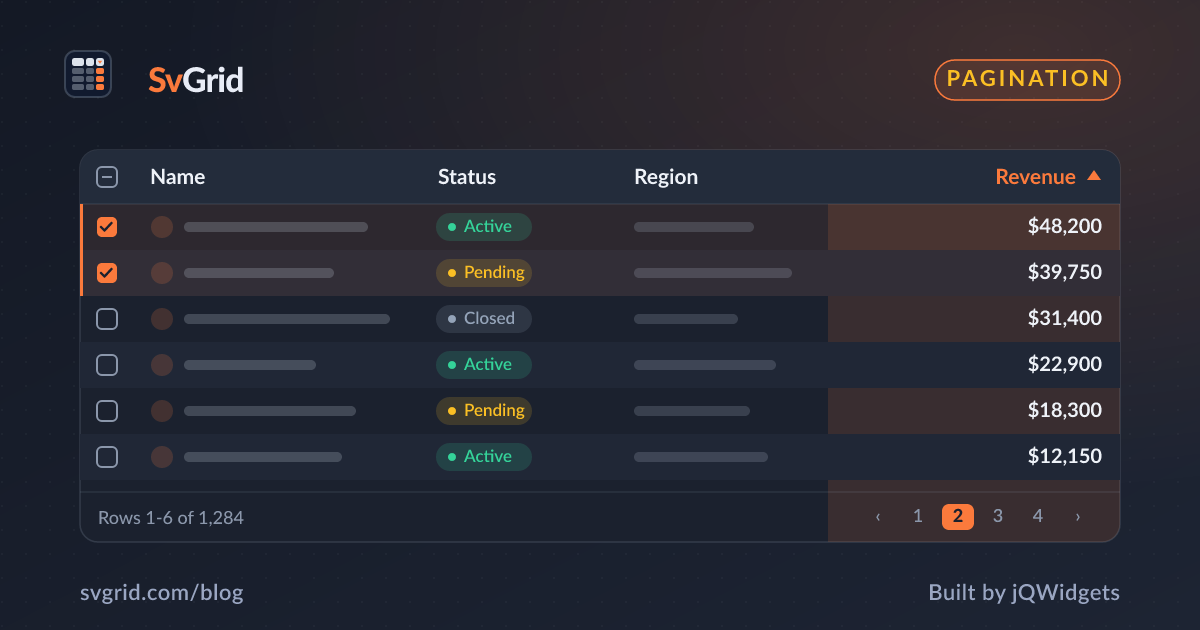
Server-Side Data - Pagination, Sorting, and Filtering on the Backend
Drive a Svelte data grid from your API. Let SvGrid own the UI state while your server owns paging, sorting, and filtering.
When a table has millions of rows, you cannot ship them all to the browser. The answer is server-side data: the grid owns the sort, filter, and page UI, and your backend returns just the rows for the current view. SvGrid's external mode is built exactly for this.
The contract
In external mode the grid records what the user clicked but does not reorder or slice the rows itself. You:
- Read the sort, filter, and page state from the grid's callbacks.
- Fetch the matching page from your API.
- Pass the returned rows back as
dataand the total count for the pager.
<script lang="ts">
  let rows = $state<Person[]>([])
  let total = $state(0)
  let sorting = $state([])
  let filters = $state([])
  let page = $state(0)

  async function load() {
    const res = await api.query({ sorting, filters, page, pageSize: 50 })
    rows = res.items
    total = res.total
  }
</script>

<SvGrid
  data={rows}
  columns={columns}
  features={features}
  showPagination={true}
  pageSize={50}
  rowCount={total}
  onSortingChange={(s) => { sorting = s; load() }}
  onFiltersChange={(f) => { filters = f.columns; load() }}
  onPaginationChange={(p) => { page = p.pageIndex; load() }}
/>
Why pass a total rowCount
The pager needs to know how many rows exist on the server to render the right number of pages and the "showing 51-100 of 12,480" label. Pass the server's total count so the footer stays accurate even though only one page is in memory.
Keep requests in check
- Debounce filters so typing in a filter box does not fire a request per keystroke.
- Cancel stale requests - if a new query starts before the last resolves, ignore the older response so the grid never shows out-of-order pages.
- Cache pages the user has already seen for instant back-and-forth paging.
Combine with virtualization
Server paging and row virtualization are complementary. Page from the server to bound the data you transfer, and let virtualization bound the DOM for whatever page is loaded. Together they keep both the network and the browser light.
A complete request lifecycle
It is worth tracing one full interaction end to end, because the details are where server-side grids go wrong. Say the user types in a filter box:
- The grid fires
onFiltersChangewith the new filter model. - You debounce - wait until typing pauses - so you do not fire a request per keystroke.
- You build a query from the sort, filter, and page state and send it, tagging it with a request id.
- The response arrives. You check that its request id is the latest; if a newer request already started, you discard this one.
- You set
rowsandtotal, and the grid repaints with the new page and an accurate pager.
Skip step 2 and you hammer your backend. Skip step 4 and you get the classic bug where a slow earlier response overwrites a fast later one, and the grid shows the wrong page.
Translating the grid model to a query
The grid hands you structured state; your job is to turn it into a backend query. The shapes are small and predictable:
type Query = {
  sort: { id: string; desc: boolean }[]
  filters: { id: string; operator: string; value: unknown }[]
  page: number
  pageSize: number
}

function toSql(q: Query) {
  // ORDER BY built from q.sort, WHERE from q.filters,
  // LIMIT/OFFSET (or a cursor) from q.page/q.pageSize.
}
Whether your backend is SQL, a search index, or a third-party API, the mapping is the same: sort becomes ordering, filters become predicates, page becomes a slice.
Keep the UI honest while loading
Server round trips take time, and an unresponsive grid feels broken. A few touches keep it trustworthy:
- Loading state. Show a subtle overlay or skeleton while a page is in flight, so the user knows something is happening.
- Preserve scroll and selection. Do not reset the user's scroll position or clear their selection just because a new page loaded, unless the query itself changed the result set.
- Empty and error states. "No rows match these filters" and "Could not load - retry" are part of the feature, not an afterthought.
Caching for instant back-and-forth
Users page back and forth constantly. Caching pages you have already fetched - keyed by the full query plus page number - makes that navigation feel instant and takes load off your server. Invalidate the cache when the data changes, and cap its size so it does not grow without bound.
When to stay client-side
Server-side data is the right tool for large or sensitive datasets, but it adds complexity. If your full dataset is a few thousand rows and not sensitive, shipping it once and letting the grid sort and filter in memory is simpler, faster to interact with, and easier to reason about. Reach for server-side mode when the data is too big to transfer, changes too often to cache, or must not all leave the server.
Frequently asked questions
How do I do server-side pagination with a Svelte data grid?
Use SvGrid's external mode: listen to onPaginationChange, onSortingChange, and onFiltersChange, fetch the matching page from your API, and pass the result plus a total rowCount back to the grid.
How does the pager know the total when only one page is loaded?
Pass the server's total count via rowCount. SvGrid uses it to render the page controls and the row-range label.