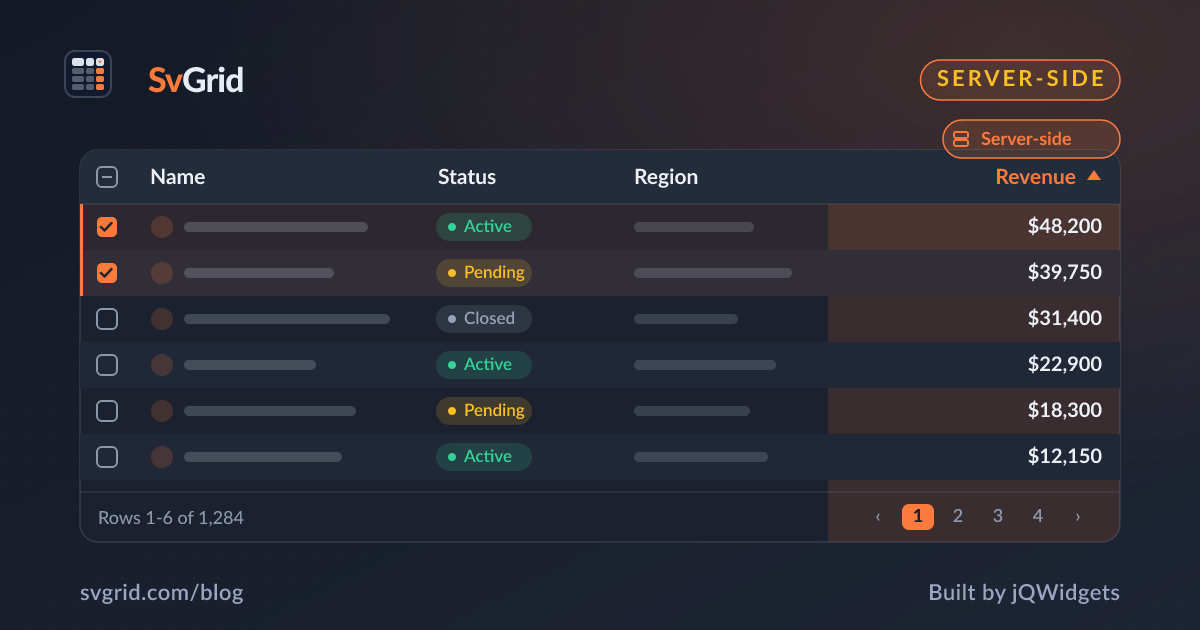
Inside SvGrid: Server-Side Data and the Headless Core
Teaching SvGrid to drive from a backend without changing its UI, and how the headless core matured into a layer you can build anything on.
By this point SvGrid could do almost everything in the browser. One big capability remained: the opposite - doing almost nothing in the browser, and letting a server do the work. This is about server-side data, and about the headless core coming into its own.
The problem with "in the browser"
Every feature so far assumed the data was in memory. That is the right assumption right up until the dataset is millions of rows, or sensitive, or changing too fast to ship. Then you cannot send it all to the client, and the grid has to become a controller for state that lives on a server.
The risk was that supporting this would fork the grid into two products: a local one and a server one. We did not want that. The UI - sorting headers, filter menus, the pager - should be identical whether the data is local or remote.
External mode: the grid records, you fetch
The answer was a mode where the grid records what the user did but does not transform the rows itself. It reports the sort, filter, and page state through callbacks; you fetch the matching page and feed it back as data.
<SvGrid
  data={pageRows}
  columns={columns}
  features={features}
  showPagination={true}
  rowCount={total}
  onSortingChange={(s) => load({ sorting: s })}
  onFiltersChange={(f) => load({ filters: f.columns })}
  onPaginationChange={(p) => load({ page: p.pageIndex })}
/>
Same headers, same menus, same pager. Only the place the work happens moved. A rowCount tells the pager the server's total so the footer stays honest while only one page is in memory. We wrote the practical version up in Server-Side Data.
This is what the headless core was for
Server-side data was the moment the day-one decision to split engine from view fully justified itself. Because the core never assumed it owned the rows, "you own the row ordering" was not a special case bolted on - it was just another way to drive the same engine. The render component records UI state; whether the core re-orders the rows or you do is a configuration, not a rewrite.
By this point the headless createSvGrid had matured into a real layer in its own right - the row model, the features, the state - usable without the render component at all. Teams who needed a bespoke layout could build directly on it and reuse their column definitions. The grid had become two products that happen to share everything: a component for speed, an engine for control.
The discipline of not changing the UI
The constraint that paid off most was refusing to let server mode look different. It forced every feature to express itself as state plus a callback, which is a cleaner design even for the local case. Debouncing, request cancellation, and page caching became application concerns layered on top, not things the grid had to guess about.
What it readied
With server-side data, SvGrid could handle the datasets our team's customers actually have - the large, the sensitive, the fast-moving. The grid was, functionally, ready. What remained was making sure it was ready for how software gets built now: with AI assistants in the loop. Read next: going AI-native with an MCP server.
Frequently asked questions
How does SvGrid support server-side data without changing its UI?
It uses an external mode where the grid records sort, filter, and page state and emits callbacks, while you fetch the matching page and pass it back as data. The headers, menus, and pager are identical to the in-memory case.
What is the headless core good for on its own?
The createSvGrid engine provides the full row-model pipeline - filtering, sorting, grouping, pagination, expansion - with no markup, so you can build a custom layout on it and reuse the same column definitions the render component uses.