Migrating a Svelte 4 Table Component to Svelte 5
A concept-by-concept guide to porting a hand-rolled Svelte 4 data table to Svelte 5 runes - props, reactivity, stores, slots, events, and when to stop hand-rolling entirely.
Most Svelte 4 tables hit the same wall around the same time: someone adds sorting, then filtering, then someone else asks why 10,000 rows lock up the browser. By that point, you're maintaining a small grid library inside your app. Svelte 5 is a natural pause to decide whether to carry that forward or hand it off.
Either way, you need to know the translation. Here it is, concept by concept, with a real recommendation at the end.
The mental model shift
Svelte 4's reactivity was implicit. $: statements re-ran whenever referenced values changed, and the compiler tracked what those were. Svelte 5 makes that explicit: $derived and $effect replace $:, $state replaces let for reactive variables, and $props() replaces export let.
The upside is that the new model composes much better. Once you're used to it, you stop wondering which $: blocks will re-run and in what order.
Props - the easy part
<!-- Svelte 4 -->
<script>
  export let rows = []
  export let columns = []
  export let caption = ''
</script>
<!-- Svelte 5 -->
<script lang="ts">
  type Row = Record<string, unknown>
  type Column = { key: string; label: string; width?: number }

  let {
    rows = [],
    columns = [],
    caption = '',
  }: {
    rows: Row[]
    columns: Column[]
    caption?: string
  } = $props()
</script>
The destructuring syntax is cleaner for typed code. In Svelte 4, TypeScript annotations on export let required some gymnastics; with $props() you annotate the destructured type directly.
Reactive state and derived values
This is where most of the migration effort lives.
<!-- Svelte 4 -->
<script>
  export let rows = []

  let sortKey = 'name'
  let sortDir = 1  // 1 = asc, -1 = desc
  let filterText = ''

  $: filtered = rows.filter(r =>
    String(r[sortKey] ?? '').toLowerCase().includes(filterText.toLowerCase())
  )
  $: sorted = [...filtered].sort((a, b) =>
    a[sortKey] > b[sortKey] ? sortDir : a[sortKey] < b[sortKey] ? -sortDir : 0
  )
</script>
<!-- Svelte 5 -->
<script lang="ts">
  type Row = Record<string, unknown>
  let { rows = [] }: { rows: Row[] } = $props()

  let sortKey = $state('name')
  let sortDir = $state<1 | -1>(1)
  let filterText = $state('')

  let filtered = $derived(
    rows.filter(r =>
      String(r[sortKey] ?? '').toLowerCase().includes(filterText.toLowerCase())
    )
  )

  let sorted = $derived(
    [...filtered].sort((a, b) =>
      a[sortKey] > b[sortKey] ? sortDir : a[sortKey] < b[sortKey] ? -sortDir : 0
    )
  )
</script>
A few things to notice. First, $derived chains: sorted depends on filtered, and the runtime tracks that automatically. Second, local state variables (sortKey, sortDir, filterText) become $state calls. You no longer need a store just because a value is reactive.
Stores to $state
Svelte 4 projects often used writable stores to share state between a table component and its parent - page index, selected rows, column visibility. With runes, you can pass $state values directly as props, or use a plain object with $state fields.
<!-- Svelte 4 - shared table state via stores -->
<script>
  import { writable, derived } from 'svelte/store'

  export const selectedRows = writable(new Set())
  export const pageIndex = writable(0)
  export const pageSize = writable(25)

  export const pageCount = derived(
    [rowCount, pageSize],
    ([$rowCount, $pageSize]) => Math.ceil($rowCount / $pageSize)
  )
</script>
<!-- Svelte 5 - shared table state via $state -->
<script lang="ts">
  // tableState.svelte.ts - a module file, not a component
  export function createTableState(totalRows: number) {
    let selectedRows = $state(new Set<string>())
    let pageIndex = $state(0)
    let pageSize = $state(25)

    let pageCount = $derived(Math.ceil(totalRows / pageSize))

    return {
      get selectedRows() { return selectedRows },
      get pageIndex() { return pageIndex },
      get pageSize() { return pageSize },
      get pageCount() { return pageCount },
      setPage: (n: number) => { pageIndex = n },
      toggleRow: (id: string) => {
        if (selectedRows.has(id)) selectedRows.delete(id)
        else selectedRows.add(id)
      },
    }
  }
</script>
The .svelte.ts extension matters - it tells the Svelte compiler to process rune syntax in a non-component file. This pattern replaces the store module pattern cleanly.
Slots to snippets
Custom cell rendering is usually the messiest part of any table migration. Svelte 4 used named slots, which meant the consuming side had to reach into the table with slot="cell" and hope the binding worked. Svelte 5 snippets are explicit and type-safe.
<!-- Svelte 4 -->
<!-- In DataTable.svelte -->
{#each sorted as row}
  <tr>
    {#each columns as col}
      <td>
        <slot name="cell" {row} {col} value={row[col.key]}>
          {row[col.key]}
        </slot>
      </td>
    {/each}
  </tr>
{/each}

<!-- In parent -->
<DataTable {rows} {columns}>
  <svelte:fragment slot="cell" let:row let:col let:value>
    {#if col.key === 'status'}
      <span class="badge badge-{value}">{value}</span>
    {:else}
      {value}
    {/if}
  </svelte:fragment>
</DataTable>
<!-- Svelte 5 -->
<!-- In DataTable.svelte -->
<script lang="ts">
  type CellContext = { row: Row; col: Column; value: unknown }
  let { rows, columns, cell }: {
    rows: Row[]
    columns: Column[]
    cell?: import('svelte').Snippet<[CellContext]>
  } = $props()
</script>

{#each sorted as row}
  <tr>
    {#each columns as col}
      <td>
        {#if cell}
          {@render cell({ row, col, value: row[col.key] })}
        {:else}
          {row[col.key]}
        {/if}
      </td>
    {/each}
  </tr>
{/each}

<!-- In parent -->
{#snippet statusCell({ row, col, value })}
  {#if col.key === 'status'}
    <span class="badge badge-{value}">{value}</span>
  {:else}
    {value}
  {/if}
{/snippet}

<DataTable {rows} {columns} cell={statusCell} />
Events become callback props
<!-- Svelte 4 -->
<script>
  import { createEventDispatcher } from 'svelte'
  const dispatch = createEventDispatcher()

  function handleRowClick(row) {
    dispatch('rowclick', { row })
  }
</script>

<tr onclick={() => handleRowClick(row)}>...</tr>
<!-- Svelte 5 -->
<script lang="ts">
  let { onRowClick }: { onRowClick?: (row: Row) => void } = $props()
</script>

<tr onclick={() => onRowClick?.(row)}>...</tr>
The event dispatcher is gone. Callback props are just functions. This is actually easier to type, easier to test, and removes the implicit string-based event name entirely.
When porting stops making sense
The translation above handles a table that does sorting, filtering, and basic selection. That's a few hundred lines and maybe a day of work for most codebases. But there's a set of features where the cost curve of hand-rolling goes vertical: virtualized scrolling for large datasets, server-side pagination with loading states, column resizing and pinning, accessibility (full keyboard navigation, ARIA grid role, screen reader announcements), and cell-level editing with validation.
If your Svelte 4 table already has these, you've built a grid library and you're maintaining it in parallel with your app. If it doesn't have them and someone on your team keeps asking for them, migration time is the right moment to stop.
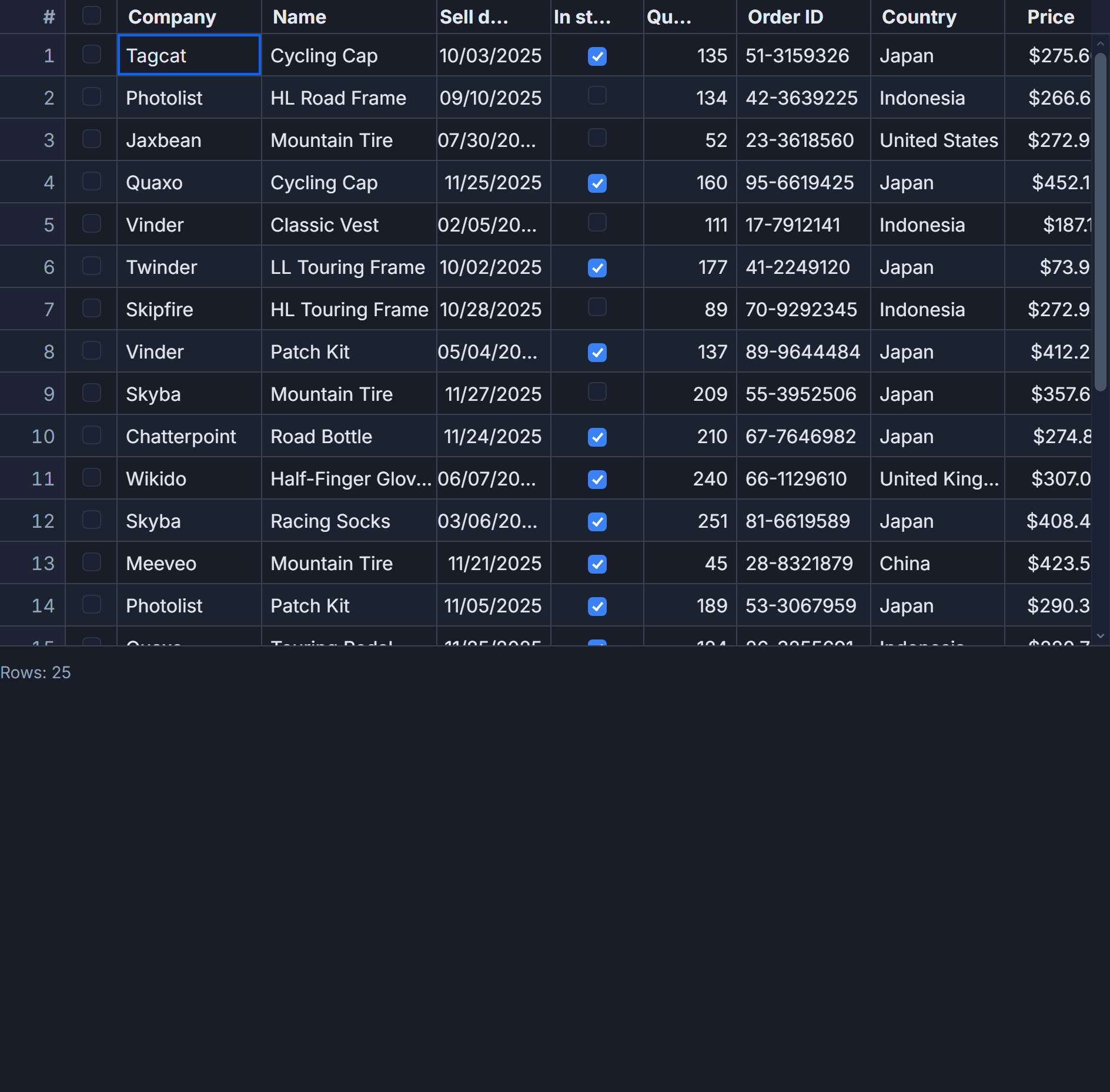
SvGrid is built Svelte 5 native - runes throughout, no adapter layer. Dropping it in looks like this:
<script lang="ts">
  import SvGrid from '@svgrid/grid'
  import type { ColumnDef } from '@svgrid/grid'
  import type { SvGridApi } from '@svgrid/grid'

  const columns: ColumnDef[] = [
    { id: 'name', field: 'name', header: 'Name', width: 200 },
    { id: 'status', field: 'status', header: 'Status', width: 120, cell: statusCell },
    { id: 'amount', field: 'amount', header: 'Amount', type: 'number', width: 100 },
  ]

  let api: SvGridApi

  {#snippet statusCell({ value })}
    <span class="badge badge-{value}">{value}</span>
  {/snippet}
</script>

<SvGrid
  data={rows}
  {columns}
  sortable
  filterable
  pageable
  virtualization={true}
  rowHeight={36}
  onApiReady={(a) => { api = a }}
/>
You get virtualization, keyboard navigation, server-side data, and column pinning without writing them. The snippet pattern for custom cells is identical to what you'd write in the hand-rolled version above, so the knowledge transfers.
For small static tables, port it - the Svelte 5 version will be cleaner than what you had. For anything with real data volume or feature expectations, use the migration as the opportunity to stop maintaining infrastructure.
Related reading
- Runes vs Stores in Svelte 5 - When to Use Which
- $effect Pitfalls in Svelte 5 (and How to Avoid Them)
- $state Deep Dive for Data-Heavy Svelte Apps
- Snippets vs Slots in Svelte 5
- Reactivity with Large Arrays and Objects in Svelte 5
Tagged: Svelte 5, Migrating to SvGrid, Svelte runes