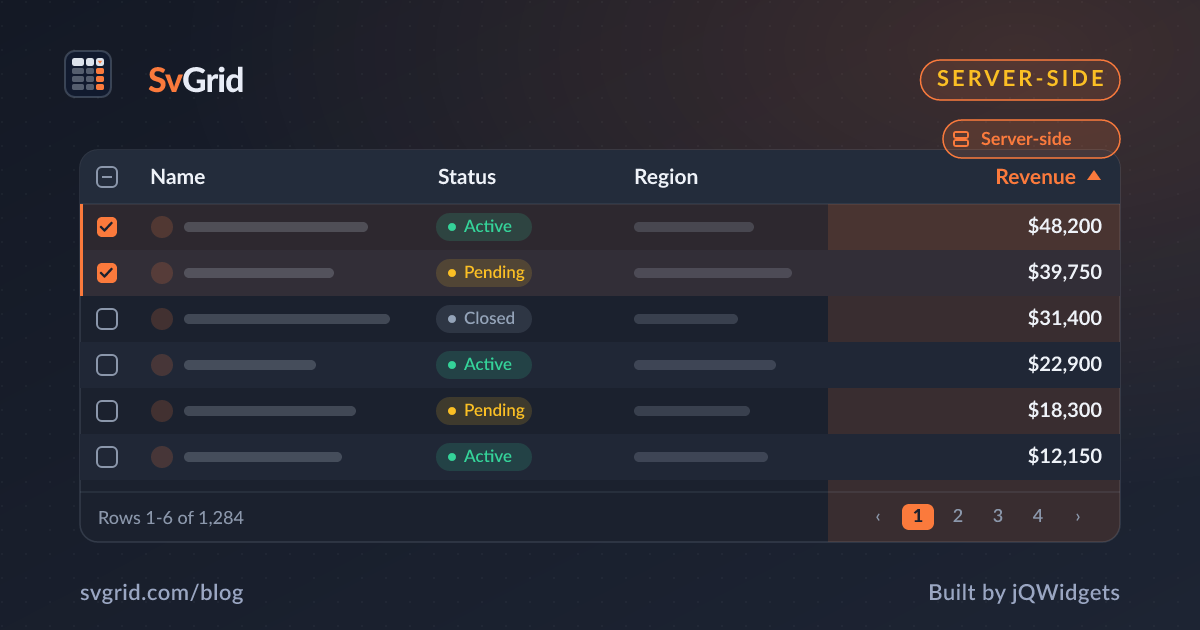
A Svelte Data Grid with GraphQL
Drive SvGrid from a GraphQL API in Svelte - mapping grid sort, filter, and pagination to query variables, with cursor or offset paging.
GraphQL APIs expose exactly the fields you ask for, which pairs well with a data grid that knows its columns. With a client like urql or Houdini in Svelte, you map the grid's sort, filter, and page state onto query variables. Here is the pattern, including cursor pagination.
The query
Define a paginated query whose variables mirror the grid's state:
query People($first: Int!, $after: String, $orderBy: PeopleOrder!, $search: String) {
  people(first: $first, after: $after, orderBy: $orderBy, search: $search) {
    totalCount
    edges { node { id name salary status } }
    pageInfo { endCursor hasNextPage }
  }
}
totalCount feeds the pager; edges are your rows; pageInfo.endCursor drives cursor paging.
Map grid state to variables
<script lang="ts">
  import { queryStore, getContextClient } from '@urql/svelte'

  let vars = $state({ first: 50, after: null, orderBy: { field: 'NAME', dir: 'ASC' }, search: '' })
  const res = $derived(queryStore({ client: getContextClient(), query: PEOPLE, variables: vars }))
  const rows = $derived($res.data?.people.edges.map(e => e.node) ?? [])
  const total = $derived($res.data?.people.totalCount ?? 0)
</script>

<SvGrid data={rows} columns={columns} features={features}
  showPagination rowCount={total}
  onSortingChange={(s) => vars = { ...vars, orderBy: { field: (s[0]?.id ?? 'name').toUpperCase(), dir: s[0]?.desc ? 'DESC' : 'ASC' } }}
  onPaginationChange={(p) => vars = { ...vars, after: nextCursorFor(p.pageIndex) }} />
Offset vs cursor
GraphQL connections favor cursor pagination (first/after), which stays fast at any depth and does not skip rows when data changes - though it does not jump to an arbitrary page. If your API uses offset (limit/offset), map page * size to offset instead. See pagination patterns for the trade-offs.
Caching
urql and Houdini cache by query + variables, so revisiting a page is instant and in-flight requests dedupe. Keep the current rows visible while the next page loads for a flicker-free grid.
Frequently asked questions
How do I paginate a data grid with GraphQL?
Map the grid's page state onto your query variables - cursor-based (first/after) for connection-style APIs, or offset-based (limit/offset) otherwise - and use totalCount for SvGrid's rowCount so the pager is accurate.
Can I use urql or Houdini with SvGrid?
Yes. Drive SvGrid's data and rowCount from the query store's result, and update the query variables in the grid's sort/filter/pagination callbacks. The client's caching gives you instant back-and-forth paging.