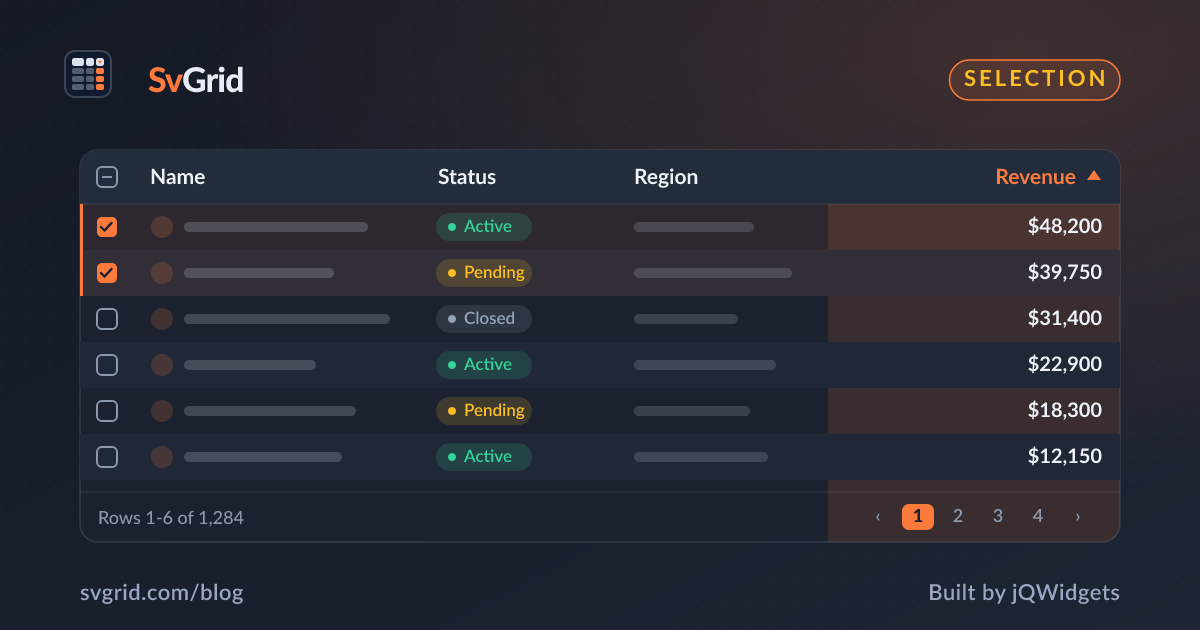
Row Selection and Clipboard Copy-Paste in SvGrid
Add checkbox selection, range selection, and Excel-compatible copy-paste to your Svelte data grid.
Selection is the gateway to bulk actions: select rows, then delete, export, or update them. SvGrid supports both checkbox row selection and click-and-drag cell range selection, and it speaks the clipboard format Excel and Google Sheets expect.
 Row and range selection with clipboard copy in SvGrid.
Checkbox row selection
<SvGrid
  data={rows}
  columns={columns}
  features={features}
  selectionMode="row"
  showRowSelection={true}
  onRowSelectionChange={(state, selectedRows) => (selected = selectedRows)}
/>
A checkbox column appears. Click to select, Shift-click to extend a range, Ctrl-click to toggle individual rows. The callback hands you the selected row objects, ready for a bulk action.
Cell range selection
For spreadsheet-style workflows, enable cell selection. Users drag across cells to select a rectangular range:
<SvGrid
  data={rows}
  columns={columns}
  selectionMode="cell"
  enableCellSelection={true}
/>
Set selectionMode="both" to allow row checkboxes and range selection together.
Copy that pastes cleanly into Excel
When a user copies a selected range, SvGrid writes tab-separated values to the clipboard - the exact format spreadsheets understand. Paste into Excel or Google Sheets and the columns line up. This is the small detail that makes a data grid feel professional.
Drive bulk actions from selection
Selection is only useful if it leads somewhere. Wire the selected rows to a toolbar:
{#if selected.length}
  <div class="bulk-bar">
    {selected.length} selected
    <button onclick={() => archive(selected)}>Archive</button>
    <button onclick={() => exportRows(selected)}>Export</button>
  </div>
{/if}
Select-all and indeterminate state
The header checkbox selects every row on the current page and shows an indeterminate state when only some rows are selected - the behavior users expect from email and file apps. You get it without extra code.
Frequently asked questions
How do I add checkbox selection to a Svelte data grid?
Set selectionMode="row" and showRowSelection={true}. SvGrid adds a checkbox column and reports selected rows via onRowSelectionChange.
Does SvGrid support copy-paste into Excel?
Yes. Copying a selected range writes tab-separated values to the clipboard, so it pastes into Excel and Google Sheets with columns intact.