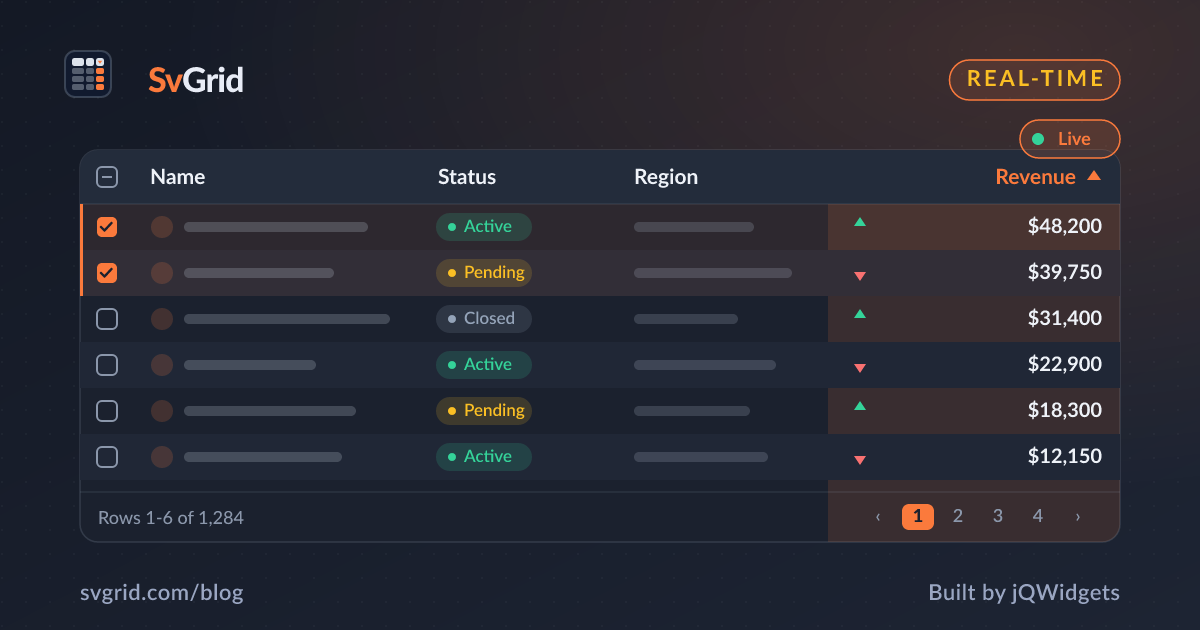
Real-Time Grids - Live WebSocket Updates in SvGrid
Stream live data into a Svelte data grid over WebSockets without dropping frames, using batching and stable row identity.
Trading desks, dashboards, and monitoring tools live and die on fresh data. SvGrid handles real-time streams well because Svelte 5's fine-grained reactivity updates only the cells that changed - but how you feed the grid matters just as much.
Update in place, by identity
When a message arrives, find the row and update its fields, keeping the same object identity where you can:
socket.onmessage = (ev) => {
  const tick = JSON.parse(ev.data)
  const i = index.get(tick.symbol)
  if (i != null) rows[i] = { ...rows[i], price: tick.price, change: tick.change }
}
A Map from key to array index turns each update into an O(1) lookup, so a thousand updates a second stay cheap.
Batch to the frame
A naive grid re-renders on every message. At high message rates that is wasted work - the screen only refreshes 60 times a second. Buffer updates and flush them on requestAnimationFrame:
let pending = new Map()
function queue(tick) {
  pending.set(tick.symbol, tick)
  scheduleFlush()
}
function flush() {
  for (const tick of pending.values()) applyTick(tick)
  pending.clear()
}
Now you paint at most once per frame no matter how fast the feed runs.
Flash on change
Users want to see what moved. A brief background flash - green up, red down - draws the eye to changed cells. Drive it from a derived flag in your row and clear it after a short timeout, and the grid reads like a live ticker.
Keep scrolling smooth
Live updates and virtualization are a natural pair: the feed updates the data, virtualization keeps the DOM bounded. A user scrolled deep into a 50,000-row grid still sees live prices on the visible rows without the off-screen rows costing anything.
Frequently asked questions
How do I show live WebSocket data in a Svelte data grid?
Update rows in place by identity on each message, using a key-to-index map for O(1) lookups, and let Svelte's reactivity repaint just the changed cells.
How do I keep a real-time grid from dropping frames?
Batch incoming messages and flush them on requestAnimationFrame, so the grid paints at most once per frame regardless of message rate.