Optimistic UI Explained
What optimistic UI means, why it makes apps feel instant, and how to implement it safely with rollback - using a data grid as the real-world example.
Most save operations succeed. That one fact is the entire foundation of optimistic UI, and if you internalize it, the pattern stops feeling like a trick and starts feeling obvious.
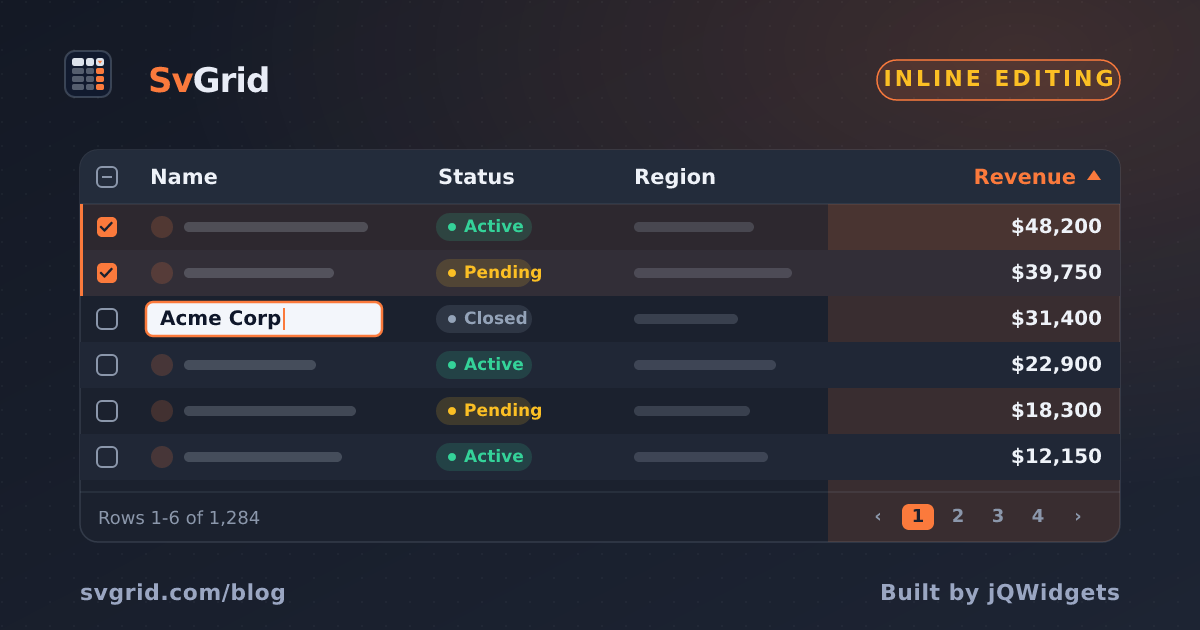
 Optimistic UI in a SvGrid grid: apply now, confirm in the background.
The pessimistic default and why it costs you
The conventional request-then-update loop looks safe because nothing on screen is wrong. Click save, spinner appears, response arrives, screen updates. But that 200-400ms gap is not neutral - it makes the app feel sluggish, and users feel the wait even when they cannot put a number on it.
The deeper problem is that you are making users wait for a confirmation they will get 99% of the time anyway. You are optimizing for the rare failure case at the expense of every single success.
Optimistic UI flips the assumption. Update the screen first, send the request in parallel, and only intervene if the request fails. The failure path becomes the exception branch, not the main branch.
Three steps, one try/catch
The core pattern is almost embarrassingly short. A grid cell edit is the canonical example because it has a clear old value, a new value, and a specific row to revert:
<script>
  import SvGrid from '@svgrid/grid'
  import { tableFeatures, rowSortingFeature } from '@svgrid/grid'

  let rows = $state([
    { id: 1, name: 'Acme Corp', revenue: 142000, status: 'active' },
    { id: 2, name: 'Globex',    revenue: 98000,  status: 'active' },
    { id: 3, name: 'Initech',   revenue: 61000,  status: 'inactive' },
  ])

  let gridApi = $state(null)
  let errorRowId = $state(null)

  const features = tableFeatures({ rowSortingFeature })

  const columns = [
    { id: 'name',    field: 'name',    header: 'Company',  width: 200, editable: true },
    { id: 'revenue', field: 'revenue', header: 'Revenue',  width: 130, type: 'number', editable: true },
    { id: 'status',  field: 'status',  header: 'Status',   width: 120, editable: true },
  ]

  async function handleCellEdit(event) {
    const { rowIndex, row, columnId, newValue, oldValue } = event

    // Step 1: apply immediately - the user sees the change right now
    rows[rowIndex] = { ...row, [columnId]: newValue }
    errorRowId = null

    try {
      // Step 2: confirm with the server in the background
      await fetch(`/api/companies/${row.id}`, {
        method: 'PATCH',
        headers: { 'Content-Type': 'application/json' },
        body: JSON.stringify({ [columnId]: newValue }),
      })
    } catch {
      // Step 3: roll back only on failure
      rows[rowIndex] = { ...row, [columnId]: oldValue }
      errorRowId = row.id
    }
  }
</script>

<SvGrid
  data={rows}
  {columns}
  {features}
  editable
  onCellEditCommit={handleCellEdit}
  onApiReady={(api) => { gridApi = api }}
/>
The user sees the change immediately. The network round trip is invisible. A failure is the only thing that interrupts the experience - and even then, you have the old value to restore.
Making failure visible without alarming users
Silent rollbacks are a trust problem. A user edits a cell, nothing seems to go wrong, and ten minutes later they notice their change is gone. That is worse than a visible error.
The errorRowId in the snippet above gives you a hook for visual feedback. You can use it to apply conditional formatting at the row level or trigger a notification:
<script>
  import SvGrid, { resolveCellFormat } from '@svgrid/grid'

  // Columns with row-level error highlighting
  const columns = [
    {
      id: 'name',
      field: 'name',
      header: 'Company',
      width: 200,
      editable: true,
      conditionalFormat: [
        {
          condition: ({ row }) => row.id === errorRowId,
          style: { backgroundColor: '#fff0f0', color: '#c0392b' },
        },
      ],
    },
    // ... other columns
  ]

  let toastMessage = $state('')

  async function handleCellEdit(event) {
    const { rowIndex, row, columnId, newValue, oldValue } = event

    rows[rowIndex] = { ...row, [columnId]: newValue }
    errorRowId = null

    try {
      await fetch(`/api/companies/${row.id}`, {
        method: 'PATCH',
        headers: { 'Content-Type': 'application/json' },
        body: JSON.stringify({ [columnId]: newValue }),
      })
    } catch (err) {
      rows[rowIndex] = { ...row, [columnId]: oldValue }
      errorRowId = row.id
      toastMessage = `Could not save change to "${row.name}". Reverted.`

      // Clear toast after 4 seconds
      setTimeout(() => { toastMessage = '' }, 4000)
    }
  }
</script>

{#if toastMessage}
  <div class="toast error">{toastMessage}</div>
{/if}

<SvGrid
  data={rows}
  {columns}
  editable
  onCellEditCommit={handleCellEdit}
/>
The red background and the toast together do two things: they tell the user something went wrong, and they confirm the original value was restored. Without both signals, users guess.
The reconciliation problem
There is one edge case that bites teams who do not think about it: what happens when a background data refresh arrives while an optimistic change is pending?
If your grid polls the server every 30 seconds and a response arrives 150ms after the user made an edit, a naive rows = serverData will silently overwrite their pending change - and they will have no idea until the next refresh either confirms or denies it.
The fix is to track which rows have in-flight edits and merge around them:
// Track pending edits by row id
const pendingEdits = new Map<number, Record<string, unknown>>()

async function handleCellEdit(event) {
  const { rowIndex, row, columnId, newValue, oldValue } = event

  // Mark this row as having a pending edit
  pendingEdits.set(row.id, { ...(pendingEdits.get(row.id) ?? {}), [columnId]: newValue })

  rows[rowIndex] = { ...row, [columnId]: newValue }

  try {
    await fetch(`/api/companies/${row.id}`, {
      method: 'PATCH',
      headers: { 'Content-Type': 'application/json' },
      body: JSON.stringify({ [columnId]: newValue }),
    })
    // Only clear the specific field once confirmed
    const pending = pendingEdits.get(row.id)
    if (pending) {
      delete pending[columnId]
      if (Object.keys(pending).length === 0) pendingEdits.delete(row.id)
    }
  } catch {
    rows[rowIndex] = { ...row, [columnId]: oldValue }
    pendingEdits.delete(row.id)
  }
}

// When server data arrives (polling, SSE, etc.)
function applyServerData(serverRows: typeof rows) {
  rows = serverRows.map((serverRow) => {
    const pending = pendingEdits.get(serverRow.id)
    // Merge pending edits on top of fresh server data
    return pending ? { ...serverRow, ...pending } : serverRow
  })
}
This is the part most tutorials skip, and it is where optimistic UI breaks down in production if you are not careful.
When optimism is the wrong call
Optimistic UI suits high-success, low-stakes interactions: cell edits, status toggles, tag assignments, row reordering. The success rate is near 100% and the worst case is a visible revert.
Three situations where you should not be optimistic:
Payment and billing operations. A user who sees a "Payment successful" flash before the charge clears will be justifiably angry if the charge fails. Show a real pending state and wait.
Irreversible deletes. If there is no undo on the server side, do not pretend the delete happened. A rollback gives back data that is already gone.
High-concurrency records. If ten users can edit the same row and your API does not support optimistic locking (ETags, version fields), you will silently drop updates. Either add conflict detection or use a pessimistic lock.
The tell is usually the failure rate combined with the cost of a wrong impression. At 0.5% failure and easy rollback, go optimistic. At 5% failure on a payment, do not.
The performance argument is secondary
Teams often frame optimistic UI as a performance technique, and it does make apps feel faster. But the real value is that it shifts the mental model: the network is a background concern, not a blocker. Users stay in flow. The UI responds to them, not to the server.
Once you start building that way, pessimistic flows start feeling unnecessary every time you add them. Most of the time, they are.