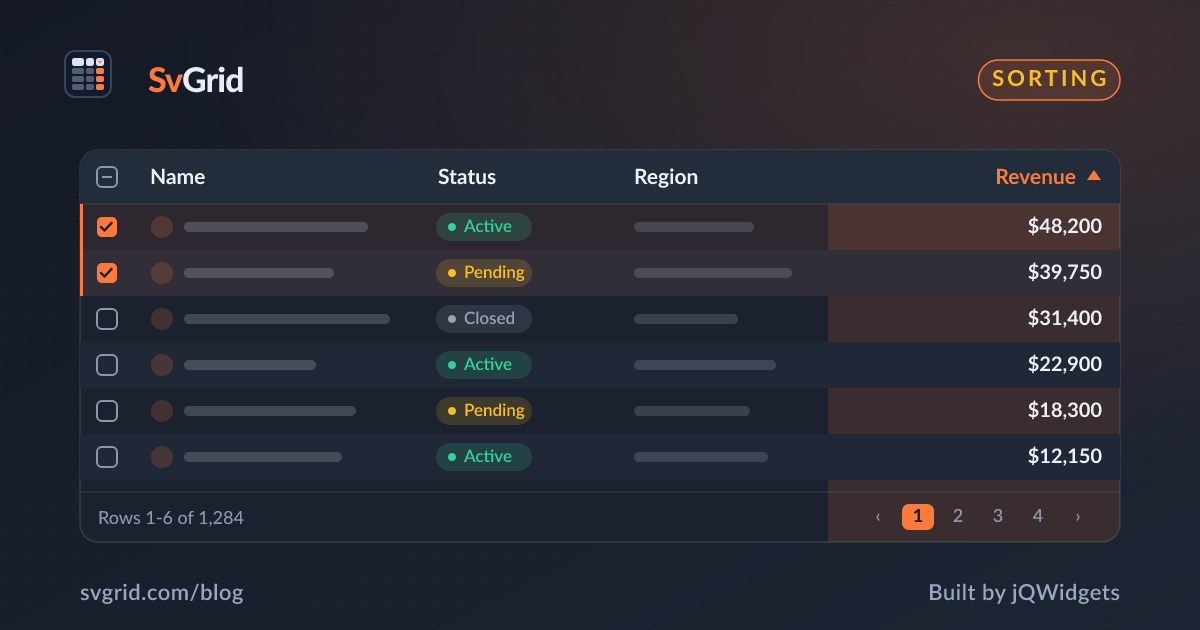
Multi-Column Sorting in a Svelte Data Grid
Enable single and multi-column sorting in SvGrid, observe sort state, and drive server-side ordering from the same UI.
Sorting is the feature users reach for first. In SvGrid you switch it on by registering rowSortingFeature; clicking a header sorts, and Shift-clicking adds a secondary sort.
Turn on sorting
<script lang="ts">
  import { SvGrid, tableFeatures, rowSortingFeature } from 'sv-grid-community'
  const features = tableFeatures({ rowSortingFeature })
</script>

<SvGrid data={rows} columns={columns} features={features} />
Now headers are clickable. Click cycles ascending, descending, none. Shift-click a second header to break ties by another column - the grid records the sort priority for you.
React to sort changes
When something outside the grid needs to know the order - a URL query param, a "sorted by" pill, an analytics event - listen with onSortingChange:
<script lang="ts">
  let sorting = $state<Array<{ id: string; desc: boolean }>>([])
</script>

<SvGrid
  data={rows}
  columns={columns}
  features={features}
  onSortingChange={(next) => (sorting = next)}
/>
The callback gives you an ordered array of { id, desc }, where the array order is the multi-sort priority.
Server-side sorting
For large datasets you usually sort on the server. Use the external mode: the grid records which columns the user clicked but does not reorder the rows. You read sorting, fetch the sorted page, and feed it back in as data.
<SvGrid
  data={pageRows}
  columns={columns}
  features={features}
  onSortingChange={(next) => {
    sorting = next
    fetchPage({ sorting }) // your code returns the ordered rows
  }}
/>
This keeps a single, familiar sort UI whether the data lives in memory or in your database.
Tips
- Default a sort by setting the initial
sortingstate before first render. - Sort on the raw value, not the formatted string - SvGrid already does this when you use the
formatoption instead of formatting inside an accessor. - For natural numeric ordering, make sure the underlying field is a
number, not a string.
Frequently asked questions
How do I enable multi-column sorting in Svelte?
Register rowSortingFeature and Shift-click additional headers. SvGrid tracks the sort priority and exposes it through onSortingChange.
How do I sort a data grid on the server?
Use external mode: listen to onSortingChange, fetch the ordered page from your backend, and pass the result back as data. The grid keeps the header UI in sync.