Locale-Aware Number, Date, and Currency Formatting
Display numbers, dates, and currency correctly for every user with SvGrid's built-in formatters - without breaking sort and filter.
A grid shown to a global audience cannot hard-code $ and MM/DD/YYYY. SvGrid has a built-in, locale-aware formatter that renders numbers, currency, percentages, and dates correctly per locale - while keeping the raw value for sorting and filtering.
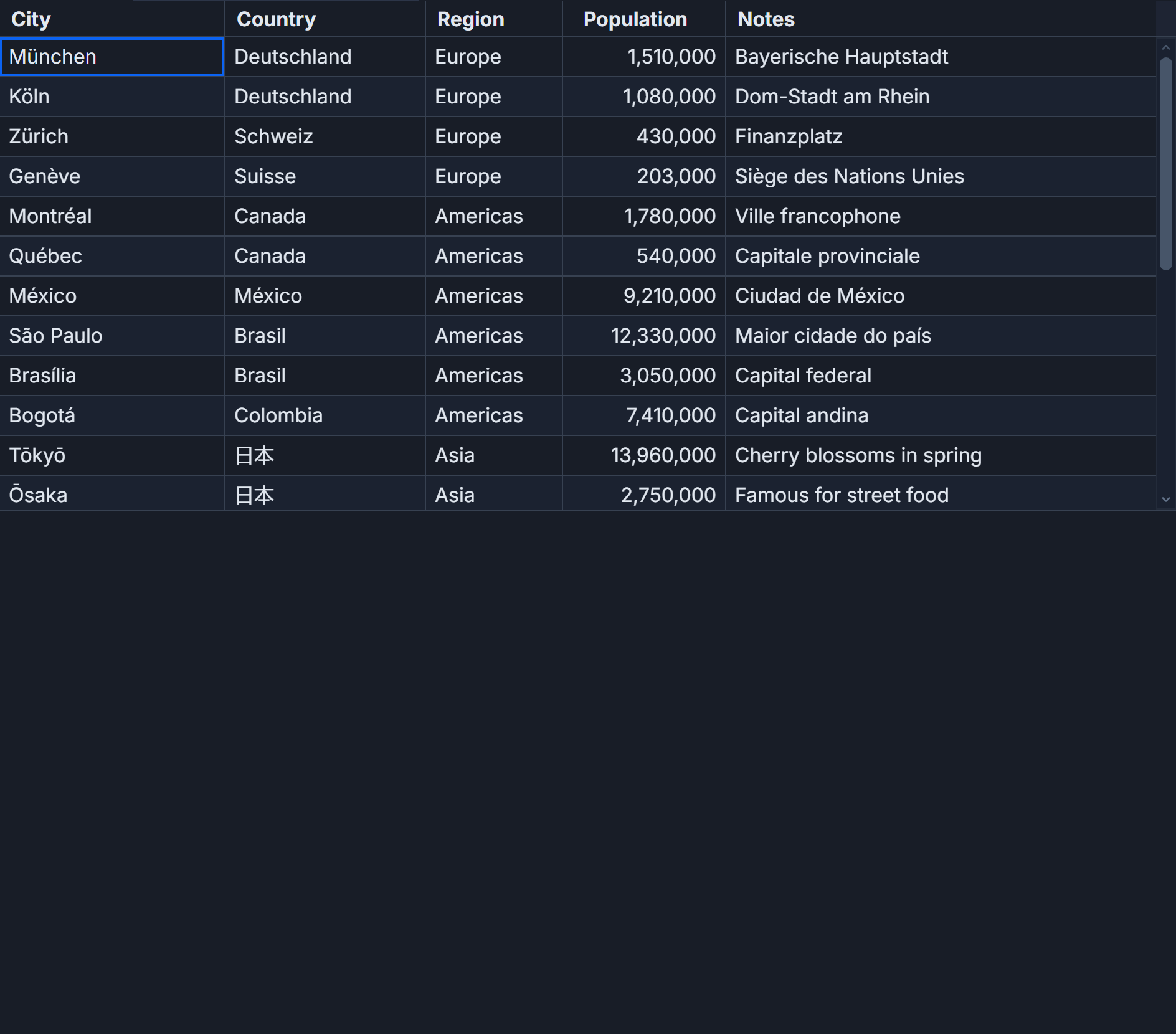 Locale-aware formatting and filtering in SvGrid.
Format on the column, not the value
Set format on the column instead of formatting inside an accessor. This is the key habit: the grid displays the formatted string but sorts and filters on the underlying number or date.
const columns: ColumnDef<{}, Row>[] = [
  { field: 'revenue', header: 'Revenue', format: { type: 'currency', currency: 'EUR' } },
  { field: 'margin',  header: 'Margin',  format: { type: 'percent' } },
  { field: 'count',   header: 'Count',   format: { type: 'number', options: { maximumFractionDigits: 0 } } },
  { field: 'createdAt', header: 'Created', format: { type: 'date', pattern: 'y-m-d' } },
]
Why this matters for sorting
If you format inside an accessor - returning "$1,200.00" - the column becomes a string, and sorting it gives you alphabetical order where "$1,000" lands next to "$100". Formatting on the column avoids this entirely: the value stays a number, so it sorts numerically and the user still sees the currency string.
Currency and locale
The currency formatter respects the currency code and the user's locale, so the same revenue field shows as €1.200,00 for a German user and €1,200.00 for an Irish one. You set the currency; the locale handles separators and symbol placement.
Dates and time zones
Dates are a common source of off-by-one bugs. Store and pass dates as ISO strings, format them with the date or datetime type, and be deliberate about time zones - render in the user's zone or in UTC consistently, but never mix. The formatter handles presentation; you own which zone the value represents.
One-off custom formats
When the built-in types do not cover a case - a phone number, a custom unit - use the function form formatter on the column. It returns a display string while the underlying value stays intact for the data pipeline.
Frequently asked questions
How do I format currency and dates in a Svelte data grid?
Set format on the column - for example { type: 'currency', currency: 'EUR' } or { type: 'date', pattern: 'y-m-d' }. SvGrid formats per locale while keeping the raw value.
Why does my number column sort alphabetically?
Because it became a string - usually from formatting inside an accessor. Format on the column with the format option instead, so the value stays numeric and sorts correctly.