Export a Svelte Data Grid to Excel, CSV, and PDF
Let users download grid data as XLSX, CSV, or PDF with sv-grid-pro, respecting the current sort, filter, and selection.
"Can I get this in Excel?" is the most common request a data grid gets. The sv-grid-pro pack adds export to Excel (XLSX), CSV, TSV, HTML, and PDF, plus printing - and it exports what the user is actually looking at, honoring the current sort, filter, and selection.
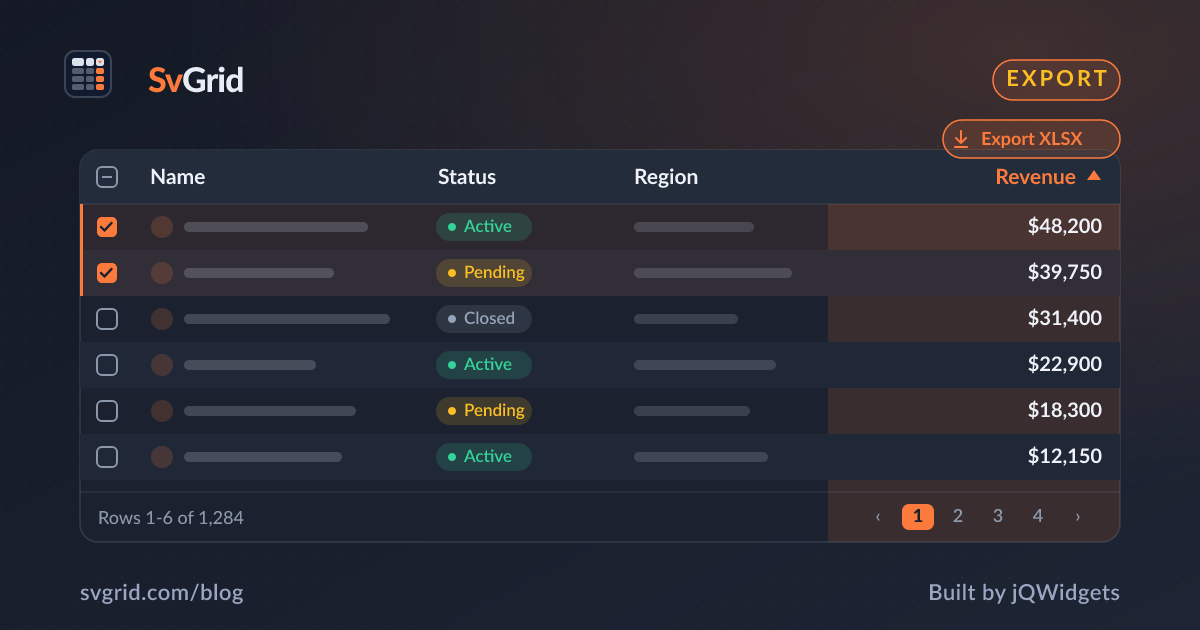
 Exporting a SvGrid grid (sv-grid-pro) to Excel, PDF, and more.
Export formats
- XLSX - a real Excel workbook with typed cells and formatting.
- CSV / TSV - portable text for any spreadsheet or data pipeline.
- HTML - a styled table you can email or embed.
- PDF - a print-ready document.
A simple export button
<script lang="ts">
  import { SvGrid } from 'sv-grid-pro'
  let api

  function exportExcel() {
    api.exportData({ format: 'xlsx', fileName: 'report.xlsx' })
  }
</script>

<button onclick={exportExcel}>Export to Excel</button>
<SvGrid data={rows} columns={columns} bind:api />
The export reads the grid's current view, so a user who filtered to "active" customers and sorted by revenue gets exactly those rows in that order.
Export selection only
A frequent need is exporting just the selected rows. Combine row selection with the export call so a user can tick a handful of records and download only those - useful for sharing a subset without leaking the whole dataset.
Respect formatting
Export uses your column formatters, so a currency column lands in Excel as a properly formatted number, and a date column as a date - not as a raw ISO string. That means the exported file looks like the grid, which is what users expect.
Printing
The same Pro pack adds a print view that lays the grid out for paper - repeating headers, page breaks, and a clean monochrome style - so "File > Print" produces something usable instead of a clipped screenshot.
Frequently asked questions
How do I export a Svelte data grid to Excel?
Use sv-grid-pro and call the grid API's exportData({ format: 'xlsx' }). The export honors the current sort, filter, and selection.
Can I export only the selected rows?
Yes. Enable row selection and scope the export to the selected rows, so users can download just the records they ticked.