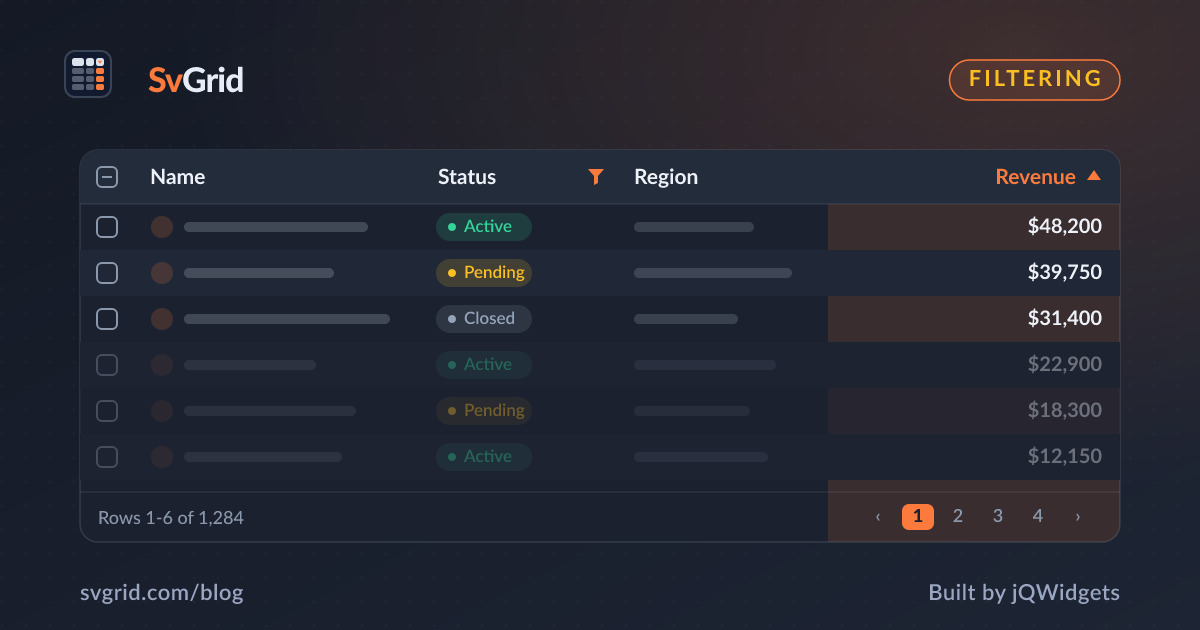
Excel-Style Filtering for Your Svelte Data Grid
Add per-column filter menus, a filter row, and global search to SvGrid - plus how to drive filtering from the server.
Users expect to filter a table the way they filter a spreadsheet. SvGrid's columnFilteringFeature gives you Excel-style per-column menus, an optional filter row, and a global search box - all from one feature.
 SvGrid's Excel-style per-column filter menu.
Enable filtering
<script lang="ts">
  import { SvGrid, tableFeatures, columnFilteringFeature } from 'sv-grid-community'
  const features = tableFeatures({ columnFilteringFeature })
</script>

<SvGrid data={rows} columns={columns} features={features} filterMode="menu" />
The filterMode prop chooses the UI:
"menu"- a dropdown filter menu per column header (Excel-style)."row"- an inline filter row under the header.
Operators per data type
Text columns get contains, equals, starts with, and ends with. Numeric and date columns get range operators like greater than, less than, and between. SvGrid infers sensible operators from the column's value type, so you usually do not configure anything.
Observe the active filters
To sync filters to the URL or show a "3 filters active" badge, listen with onFiltersChange:
<script lang="ts">
  let filters = $state<Array<{ id: string; operator: string; value: string }>>([])
</script>

<SvGrid
  data={rows}
  columns={columns}
  features={features}
  filterMode="menu"
  onFiltersChange={(next) => (filters = next.columns)}
/>
Server-side filtering
When the dataset is too large to ship to the browser, filter on the server. Read the filter model from onFiltersChange, translate it to a query, and feed the filtered rows back as data. The grid keeps the menus and the filter row in sync without re-filtering locally.
Performance note
In-memory filtering on tens of thousands of rows is fast because SvGrid filters once per change and reuses the result across renders. Combine filtering with virtualization and the visible row count stays tiny no matter how big the source array is.
Menu vs row: choosing a filter UI
The two filter modes suit different workflows:
filterMode="menu"keeps the header clean and tucks filters behind a dropdown. Best when filtering is occasional and you do not want a permanent filter row eating vertical space.filterMode="row"puts an always-visible input under each header. Best for data-entry and analysis screens where users filter constantly and want zero clicks to start typing.
There is no wrong answer; pick the one that matches how often your users filter.
Global search alongside column filters
Column filters answer "show me rows where this column matches." A global search answers "show me rows that mention this anywhere." The two compose: a user can type "berlin" in global search to narrow to matching rows, then apply a status filter on top. Wire a search box to the grid's global filter and let it work in tandem with the per-column menus.
Combining filters across columns
Filters join with AND across columns: a status filter plus a date range plus a price threshold returns only the rows that satisfy all three. The grid tracks the complete filter model, so a single onFiltersChange handler gives you the full picture - ideal for syncing filters to the URL so a filtered view is shareable and survives a refresh.
<SvGrid
  data={rows}
  columns={columns}
  features={features}
  filterMode="menu"
  onFiltersChange={(next) => {
    filters = next.columns
    syncToUrl(filters) // make the view linkable
  }}
/>
Operators worth knowing
Type-aware operators are what make filtering feel like a spreadsheet:
- Text: contains, equals, starts with, ends with, is empty.
- Number: equals, greater than, less than, between.
- Date: before, after, between, and relative ranges like "this month".
SvGrid infers a sensible default operator from the column's value type, so users get the right choices without you configuring each column.
Debounce on large or remote data
Filtering in memory is cheap, but firing a server request on every keystroke is not. When filtering drives a backend query, debounce the input so the request fires when typing pauses, and cancel stale requests so a slow earlier response cannot overwrite a newer one. The same filter UI then works whether the data is local or remote.
Empty states matter
A filter that matches nothing should say so. "No rows match these filters" with a one-click "Clear filters" action turns a confusing blank grid into an obvious next step. Treat the empty state as part of the filtering feature, not an edge case.
Frequently asked questions
How do I add Excel-style filters to a Svelte table?
Register columnFilteringFeature and set filterMode="menu". Each header gets a dropdown with type-aware operators.
Can SvGrid filter on the server?
Yes. Listen to onFiltersChange, build your backend query from the filter model, and pass the filtered page back as data.