A Density (Row-Height) Toggle for SvGrid
Let users pick compact, comfortable, or spacious rows - wired through CSS tokens, synced with the virtualizer, and persisted across sessions.
Row density is one of those preferences that splits users cleanly down the middle. Power users scanning thousands of rows want them packed as tight as they'll go. Occasional users, or anyone presenting a grid on a big monitor, want breathing room. A three-way toggle - compact, comfortable, spacious - satisfies both without any grid configuration changes.
SvGrid styles row height through the --sg-row-height CSS token, which means you can drive the whole thing from a class on the wrapper. No re-render, no special prop, just a class swap.
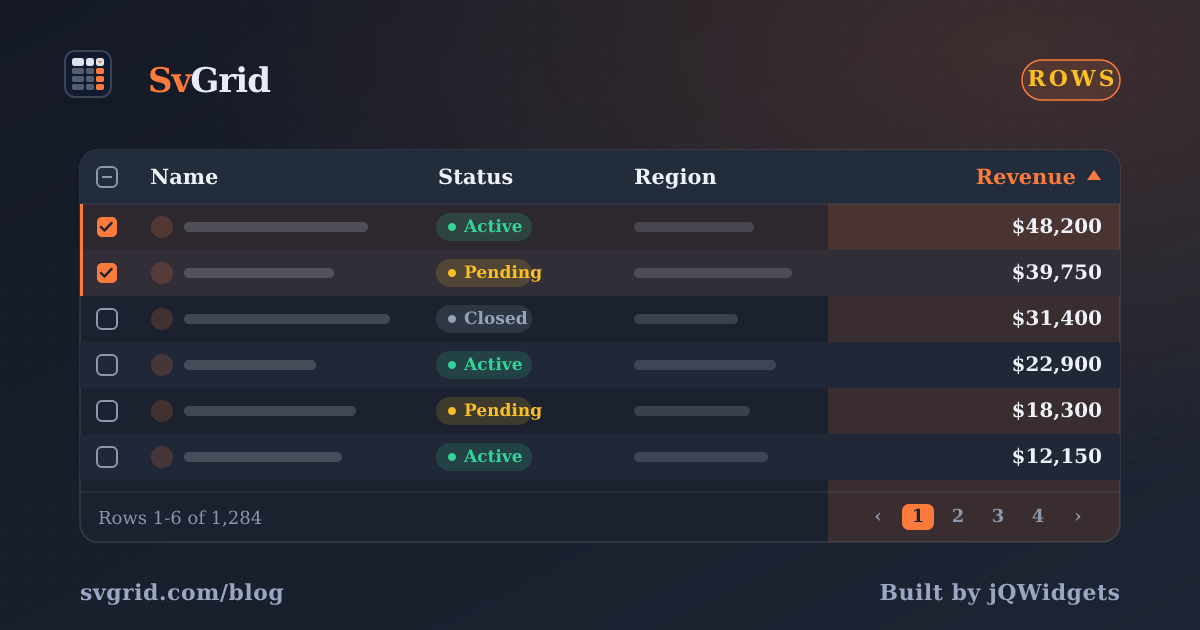
 SvGrid themed to match a design system.
Three density levels as CSS classes
Define each level as a scoped ruleset that sets --sg-row-height, cell padding, and font size together. Grouping them means a single class change updates everything consistently:
/* density.css - scope to your grid wrapper */
.grid-compact {
  --sg-row-height: 32px;
  --sg-cell-px: 8px;
  font-size: 12px;
  line-height: 1.3;
}

.grid-comfortable {
  --sg-row-height: 44px;
  --sg-cell-px: 12px;
  font-size: 14px;
  line-height: 1.5;
}

.grid-spacious {
  --sg-row-height: 60px;
  --sg-cell-px: 16px;
  font-size: 15px;
  line-height: 1.7;
}
The --sg-cell-px token controls horizontal cell padding. Adjusting it alongside row height keeps proportions reasonable - compact rows with wide padding look oddly cramped, and spacious rows with tight padding look like a spreadsheet from 2003.
Wiring the toggle
A Svelte 5 $state variable holds the current density. The grid wrapper applies grid-{density} as its class. The toggle itself is just three buttons:
<script lang="ts">
  import SvGrid from '@svgrid/grid'
  import { tableFeatures, rowSortingFeature, columnFilteringFeature } from '@svgrid/grid'
  import type { ColumnDef } from '@svgrid/grid'

  type Density = 'compact' | 'comfortable' | 'spacious'
  type Row = { id: number; name: string; region: string; revenue: number; status: string }

  const features = tableFeatures({ rowSortingFeature, columnFilteringFeature })

  const columns: ColumnDef<typeof features, Row>[] = [
    { id: 'name',    field: 'name',    header: 'Name',    width: 200 },
    { id: 'region',  field: 'region',  header: 'Region',  width: 120 },
    { id: 'revenue', field: 'revenue', header: 'Revenue', width: 120, type: 'number' },
    { id: 'status',  field: 'status',  header: 'Status',  width: 100 },
  ]

  let density = $state<Density>('comfortable')

  const labels: Record<Density, string> = {
    compact:     'Compact',
    comfortable: 'Comfortable',
    spacious:    'Spacious',
  }
</script>

<div class="toolbar">
  <span class="label">Row density:</span>
  {#each Object.keys(labels) as d (d)}
    <button
      class="density-btn"
      class:active={density === d}
      onclick={() => (density = d as Density)}
    >
      {labels[d as Density]}
    </button>
  {/each}
</div>

<div class="grid-wrapper grid-{density}">
  <SvGrid
    data={rows}
    {columns}
    {features}
    sortable
    filterable
    rowHeight={density === 'compact' ? 32 : density === 'comfortable' ? 44 : 60}
  />
</div>
The rowHeight prop is what keeps the virtualizer in sync - more on that below.
Why you must pass rowHeight explicitly
CSS class changes update the visual appearance instantly. The virtualizer, though, works from a numeric row height, not from computed CSS. If you change --sg-row-height via a class but leave the rowHeight prop untouched, the grid renders rows at the new visual size but calculates scroll positions using the old number. The result is rows that overlap or leave gaps, especially when you scroll far down.
The fix is straightforward: derive rowHeight from the same density variable that drives the class. One source of truth, two consumers:
<script lang="ts">
  const rowHeights: Record<Density, number> = {
    compact:     32,
    comfortable: 44,
    spacious:    60,
  }

  // Derived from state - updates whenever density changes
  let currentRowHeight = $derived(rowHeights[density])
</script>

<div class="grid-{density}">
  <SvGrid
    data={rows}
    {columns}
    {features}
    rowHeight={currentRowHeight}
  />
</div>
The $derived rune recalculates currentRowHeight whenever density changes, so the prop and the CSS token always match. No manual sync needed.
Persisting the preference
Density is a personal choice. If a user switches to compact mode and then navigates away, they should come back to compact mode. Store the preference in localStorage and restore it on mount:
<script lang="ts">
  const DENSITY_KEY = 'sg-density-pref'

  function loadDensity(): Density {
    if (typeof localStorage === 'undefined') return 'comfortable'
    const stored = localStorage.getItem(DENSITY_KEY)
    return (stored as Density) ?? 'comfortable'
  }

  let density = $state<Density>(loadDensity())

  $effect(() => {
    localStorage.setItem(DENSITY_KEY, density)
  })
</script>
The $effect runs whenever density changes and writes the new value. On the next page load, loadDensity() reads it back. The typeof localStorage === 'undefined' guard handles SSR environments like SvelteKit where localStorage is not available during server rendering.
If you already use named views or saved layouts with SvGrid's api.getState() / api.setState(), you can fold density into that state blob instead of keeping a separate localStorage key. That way a restored view brings back the density the user was using when they saved it.
Picking the right default
comfortable is a safe default for most apps - 44px rows are readable on any screen size and leave room for custom cell content without feeling cramped. If your grid is embedded in a data-heavy dashboard where most users are analysts, compact as the default often makes more sense. If your grid is a line-item view in a form, spacious prevents accidental mis-clicks.
One approach: set the default from a server-side preference so the correct density is applied before any JavaScript runs, eliminating the brief layout shift you'd get with a client-side localStorage read on first paint.
<!-- +page.svelte in SvelteKit -->
<script lang="ts">
  // density loaded from cookies in +page.server.ts and passed as a prop
  let { densityPref = 'comfortable' } = $props()
  let density = $state<Density>(densityPref as Density)
</script>
The cookie-backed approach pairs well with a SvelteKit server action that saves the preference when the user changes it, keeping the value consistent across devices.
What this does not cover
If rows have variable heights - for example, cells with multiline text or embedded charts - a fixed rowHeight prop is the wrong tool. SvGrid handles variable row heights through the estimatedRowHeight option combined with dynamic measurement. Density presets work best when rows are uniform height, which is the common case for tabular data. If you have mixed-height rows, the density toggle still applies to the CSS layer, but you should leave rowHeight unset and let the virtualizer measure each row individually.