How We Started Building SvGrid
The boundary we drew on day one - between the logic engine and the render layer - is what everything else rests on. Here is how that line was drawn and what it cost to get right.
Every data grid project hits the same fork early: do you start by rendering a table, or do you start by deciding what the table should never know about?
We chose the second path. The first commit in the SvGrid repo was not a table element. It was a boundary.
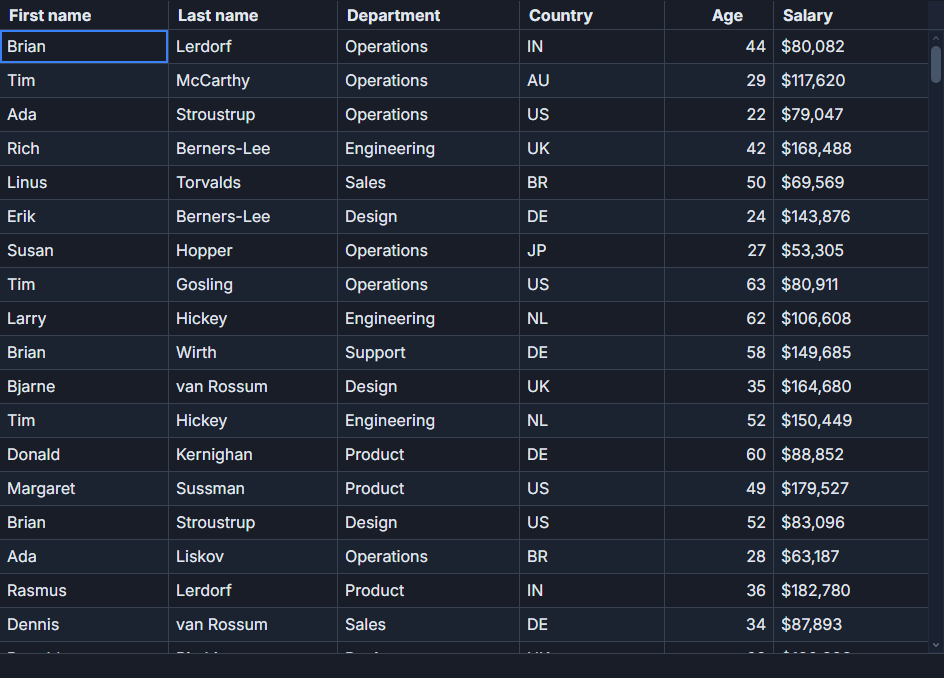 Named, saved views in SvGrid.
The boundary that decided everything
The problem with starting from a rendered table is that logic bleeds in. You need sorted rows, so you sort inside the component. You need filtered rows, so you filter there too. A year in, you have a single Svelte file that owns rendering and sorting and filtering and grouping, and extracting any of it is surgery.
We split the project from the start into two distinct layers with an explicit contract between them:
- The headless engine owns the row model. It takes your data, runs it through sorting, filtering, grouping, pagination, and expansion, and produces the rows to display. It has no knowledge of the DOM.
- The render component consumes the engine and paints an accessible, virtualized grid. It has no knowledge of your data shape.
The contract between them is the column definition. A column def describes a piece of your data - its field, its header text, how to format or render the cell - and it is consumed identically by both layers. That is what makes the escape hatch real: you can bypass the <SvGrid> component, feed your data directly to createGrid, and render however you want, reusing every column definition you wrote.
Why Svelte 5 runes made this tractable
We had worked on data-heavy UIs long enough to know that fine-grained reactivity is not a nice-to-have for a grid. When you have 50 columns, 200 visible rows, and a user typing into a filter input, you cannot afford to re-evaluate the entire row model on every keystroke. You need updates scoped to what actually changed.
In Svelte 4 and most other frameworks, you earn that precision by wrapping stores, memoizing derived values, and carefully structuring subscriptions. It is not impossible, but it is a constant tax.
With Svelte 5 runes, the engine's state is just state:
import { tableFeatures, rowSortingFeature, columnFilteringFeature, createGrid } from '@svgrid/grid'

const features = tableFeatures({
  rowSortingFeature,
  columnFilteringFeature,
})

// $state is reactive at the field level - only what changes triggers updates
const sortingState = $state([{ id: 'price', desc: true }])
const filterState = $state({})

const grid = createGrid({
  data: $state(rows),
  columns,
  features,
  options: {
    sorting: { state: sortingState },
    columnFilters: { state: filterState },
  },
})
No wrappers, no explicit subscriptions, no manual dependency tracking. The derived row list updates when the sort changes. Unrelated cell state does not cause it to rerun. That precision came almost for free, which left real engineering time for the parts that are genuinely hard - virtualization, keyboard navigation, accessibility.
Getting the column definition right
The column definition is the most-touched type in the codebase. It had to serve the headless core and the render component equally, it had to be typed over your actual row shape, and it had to be extensible without breaking existing definitions. We spent more time on this type than on any individual feature.
The basic shape:
import type { ColumnDef, TableFeatures } from '@svgrid/grid'

type MyRow = { id: number; name: string; price: number; status: 'active' | 'inactive' }
type Features = TableFeatures<{ rowSortingFeature: typeof rowSortingFeature }>

const columns: ColumnDef<Features, MyRow>[] = [
  {
    id: 'name',
    field: 'name',
    header: 'Name',
    width: 200,
    pinned: 'left',
  },
  {
    id: 'price',
    field: 'price',
    header: 'Price',
    type: 'number',
    width: 120,
    editable: true,
    conditionalFormat: [
      { condition: ({ value }) => value < 100, style: { color: 'var(--sg-fg)', opacity: '0.5' } },
      { condition: ({ value }) => value >= 500, style: { fontWeight: 'bold' } },
    ],
  },
  {
    id: 'status',
    field: 'status',
    header: 'Status',
    cell: statusSnippet,  // Svelte 5 snippet - typed to your row shape
    width: 100,
  },
]
A wrong field name is a compile error, not a blank column at runtime. That cost us some implementation complexity upfront and has saved real debugging time ever since.
The first render
After two days of engine work and type plumbing, the first actual grid rendered: three rows, three columns, a <table> with WAI-ARIA roles, keyboard focus on the active cell from the start. No virtualization yet, no sorting UI, just the claim that the architecture worked proven in the simplest possible case.
The first sort shipped a day later. Click a column header, the derived rows reorder, the DOM updates only the changed rows. Watching that happen in the browser with runes - no ceremony, no explicit invalidation, just the table reflecting the new order - was the clearest signal we had picked the right base.
Accessibility was never optional. ARIA roles and keyboard navigation shipped in that first render and have never been treated as a feature to add later. The same goes for virtualization: we assumed from the start that the grid would need to handle 100,000 rows without a scroll stutter, so the windowing layer was designed in, not bolted on after the grid got slow.
What the architecture cost
The boundary between engine and render is real and useful, but it is not free. Every new feature has to be implemented twice in a sense - the logic goes in the engine, the UI goes in the component, and the column definition has to expose it to both. That discipline is slower in the short run. It is also why the <SvGrid> component and the createGrid headless core share an identical column definition today, and why dropping from one to the other does not require rewriting anything.
Three rows in a table is not a stress test. The architecture test came later, at 100,000 rows with grouping and virtualization running simultaneously. That is the story in first light at 100,000 rows.