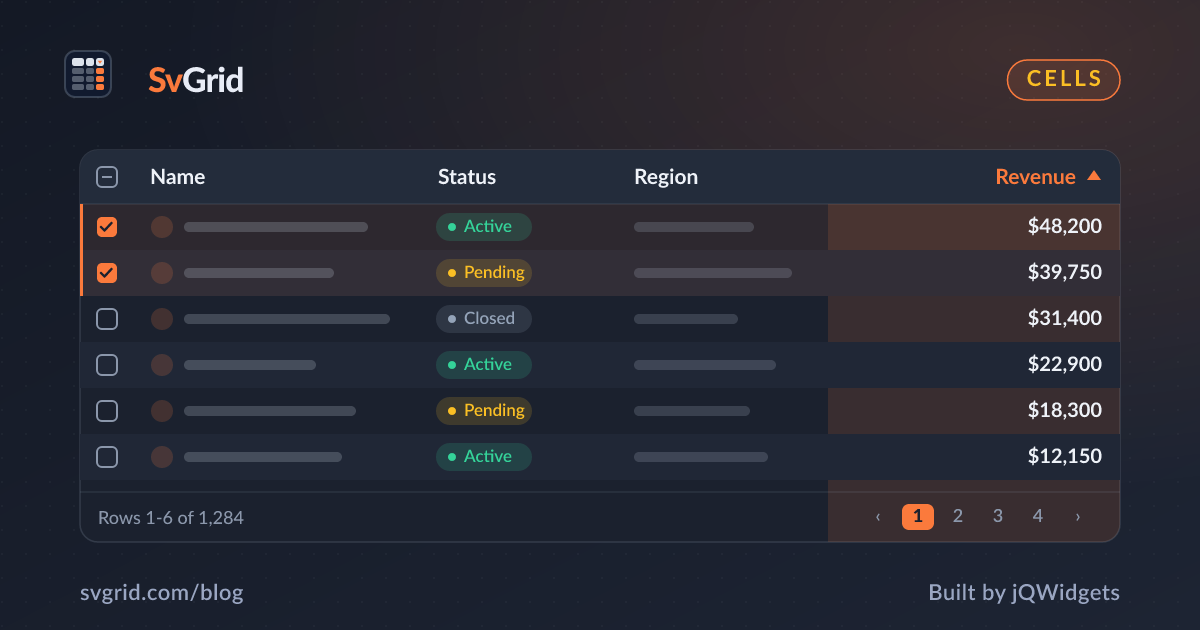
Custom Cell Renderers with Svelte Snippets
Render badges, progress bars, avatars, and action buttons inside SvGrid cells using Svelte 5 snippets and renderSnippet.
Plain text takes a grid far, but real apps need badges, progress bars, avatars, and action buttons inside cells. SvGrid renders any Svelte 5 snippet in a cell with renderSnippet, so you keep full component power and type safety.
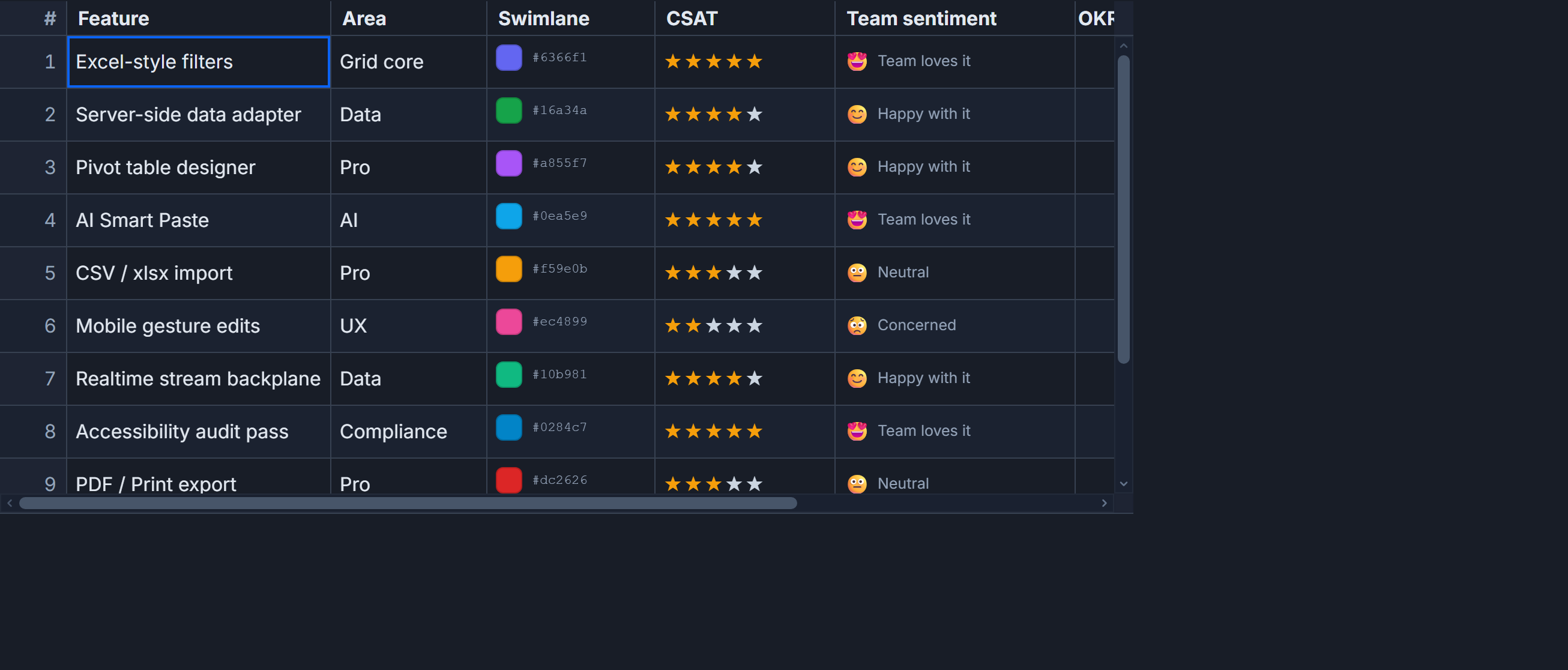 Custom cell editors rendered with Svelte snippets in SvGrid.
A status badge
<script lang="ts">
  import { SvGrid, renderSnippet, type ColumnDef } from 'sv-grid-community'
</script>

{#snippet StatusCell(props: { value: string })}
  <span class="badge" data-status={props.value}>{props.value}</span>
{/snippet}

<SvGrid
  data={rows}
  columns={[
    {
      field: 'status',
      header: 'Status',
      cell: (ctx) => renderSnippet(StatusCell, { value: ctx.getValue() }),
    },
  ] satisfies ColumnDef<{}, Row>[]}
/>
The snippet receives the cell context, so you can read the value or the whole row, and the grid still sorts and filters on the underlying field.
A progress bar
{#snippet ProgressCell(props: { value: number })}
  <div class="bar"><div class="fill" style="width:{props.value}%"></div></div>
{/snippet}
An action button column
Action columns usually have no field - they are pure UI. Give them an id and an accessorFn is not needed; just render:
{#snippet RowActions(props: { row: Row })}
  <button onclick={() => edit(props.row)}>Edit</button>
  <button onclick={() => remove(props.row.id)}>Delete</button>
{/snippet}

// column:
{ id: 'actions', header: '', cell: (ctx) => renderSnippet(RowActions, { row: ctx.row.original }) }
Keep sorting and filtering working
The rule of thumb: render with a snippet, but let the grid read the value from the field. If you compute a display string inside the snippet, the underlying value is still the raw field, so sorting a "status" column sorts by the real status, not the badge markup. That separation is what keeps custom cells from breaking the data pipeline.
Performance
Snippets are cheap, and virtualization means only the visible cells render. Keep the snippet body light - avoid heavy work per cell - and the grid stays smooth even with a custom renderer in every column.
Frequently asked questions
How do I render a custom component in a Svelte grid cell?
Set the column's cell to renderSnippet(MySnippet, props). The snippet receives the cell context and can render any Svelte markup.
Will custom cells break sorting and filtering?
No, as long as the column still reads its value from a field or accessorFn. The grid sorts and filters the underlying value, not the rendered markup.