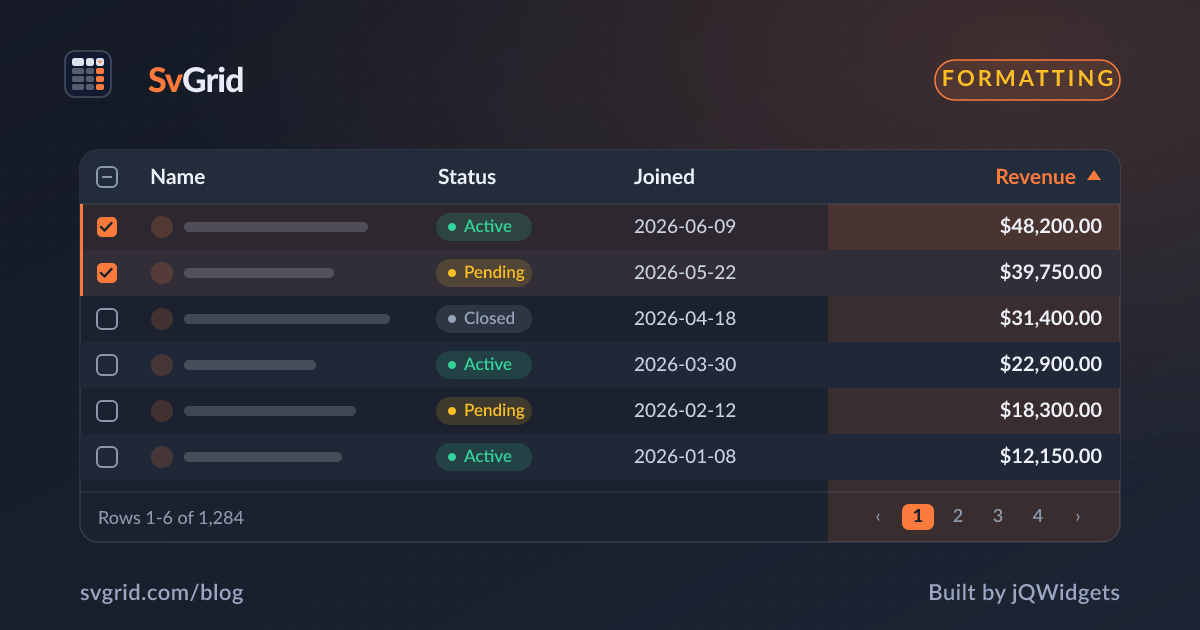
Conditional Formatting - Color Cells by Their Value
Highlight negatives, flag thresholds, and build heatmaps in a Svelte data grid with value-driven cell styles in SvGrid.
Numbers in a table become insight when color does the reading for you - red for negatives, green for targets met, a heatmap for intensity. SvGrid lets you style cells based on their value, so the grid surfaces the story without the user scanning every figure.
Style a cell by its value
Render the cell with a snippet and choose styling from the value:
{#snippet DeltaCell(props: { value: number })}
  <span style:color={props.value < 0 ? '#e5484d' : '#30a46c'}>
    {props.value > 0 ? '+' : ''}{props.value}%
  </span>
{/snippet}

// column:
{ field: 'change', header: 'Change', cell: (ctx) => renderSnippet(DeltaCell, { value: ctx.getValue() }) }
Negative changes go red, positive ones green - the user reads the column at a glance.
Threshold flags
For limits and targets, switch on a band rather than a single sign:
function band(v: number) {
  if (v >= 90) return 'good'
  if (v >= 60) return 'warn'
  return 'bad'
}
Apply the band as a data- attribute or class and let CSS own the colors, so your palette stays in one place.
Heatmaps
For a dense numeric grid, map the value to a background opacity to build a heatmap. Scale the value into a 0-1 range and drive background alpha, and patterns jump out of a wall of numbers without any chart.
Keep the raw value sortable
The golden rule, again: format and color in the snippet, but let the column read its value from a field. Sorting the "change" column then sorts by the real number, not the colored markup, so conditional formatting never breaks the data pipeline.
Row-level formatting
Sometimes the whole row matters - an overdue invoice, a failed job. Drive a row style from your own state or a derived flag, so the entire row tints when a record needs attention, drawing the eye before the user even scans the cells.
Frequently asked questions
How do I color grid cells based on their value in Svelte?
Render the cell with a snippet and choose the color from the value - for example red for negatives. Keep the column's field so sorting still uses the raw value.
Can I build a heatmap in SvGrid?
Yes. Map each numeric value to a background opacity inside the cell snippet to produce a heatmap across the column.