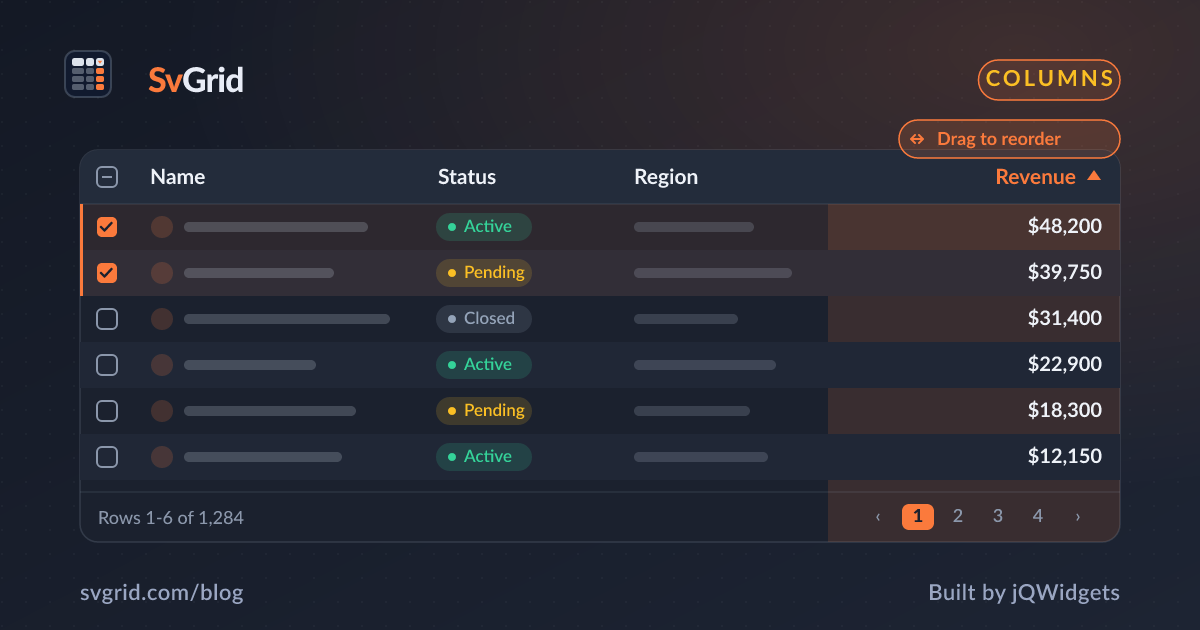
Column Resizing and Reordering - Let Users Shape the Grid
Give users drag-to-resize and drag-to-reorder columns in SvGrid, and persist their layout between sessions.
No two users read a table the same way. One wants the description column wide; another wants it out of the way. Column resizing and reordering hand that control to the user, and persisting the layout makes the grid feel like theirs.
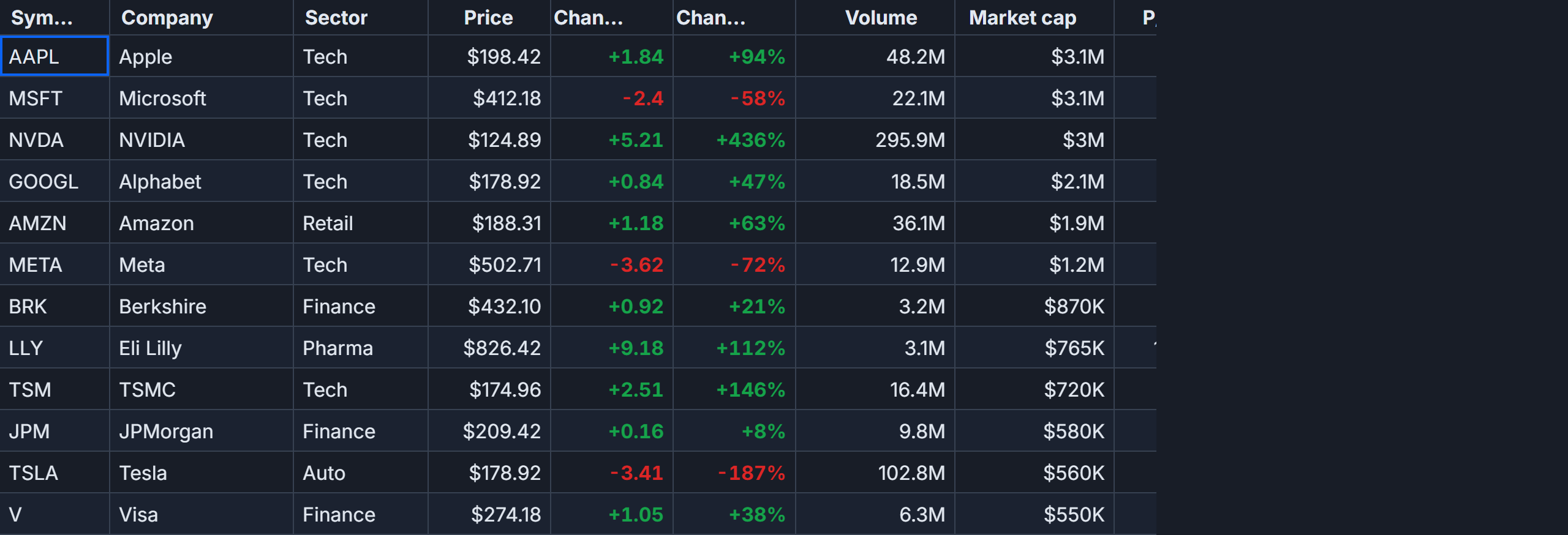 Drag-to-reorder columns in SvGrid.
Drag to resize
Users drag a column's edge to set its width. Start from sensible defaults with width on each column, then let users adjust:
const columns: ColumnDef<{}, Row>[] = [
  { field: 'name',        header: 'Name',        width: 200 },
  { field: 'description', header: 'Description', width: 360 },
  { field: 'status',      header: 'Status',      width: 120 },
]
A good default width per column means the first paint is already readable, and resizing is a refinement rather than a necessity.
Drag to reorder
Reordering lets users drag a header to a new position, so they can put the columns they care about first. This pairs especially well with pinned columns: pin identity on the left, then let users arrange the scrollable middle.
Persist the layout
A layout users set should survive a refresh. Capture column widths and order in your own state and write them to localStorage, then restore on load:
function saveLayout(layout: { id: string; width: number }[]) {
  localStorage.setItem('grid-layout', JSON.stringify(layout))
}

const saved = JSON.parse(localStorage.getItem('grid-layout') ?? 'null')
Apply the saved widths and order when you build your columns array, and returning users see exactly the grid they left.
Reset to defaults
Always give users an escape hatch. A small "Reset columns" button that clears the saved layout and rebuilds from your defaults prevents anyone from getting stuck with a layout they cannot undo.
Frequently asked questions
How do users resize columns in a Svelte data grid?
They drag a column's edge. Set an initial width per column for a good default, and SvGrid lets users adjust from there.
How do I remember a user's column layout?
Capture the column widths and order in your state, persist them to localStorage, and apply them when you build the columns array on load. Offer a reset button to restore defaults.