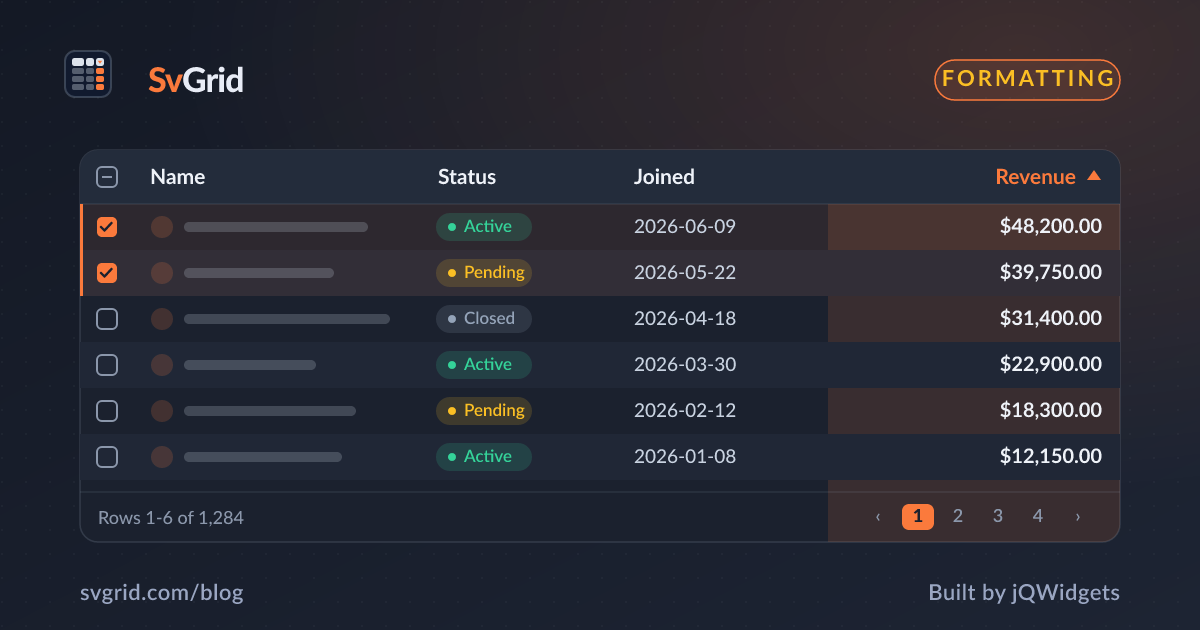
Column Definitions in SvGrid - Fields, Accessors, and Formatting
Everything a Svelte data grid column can do - field accessors, computed values, locale-aware formatting, alignment, and custom cells.
If you only learn one part of a data grid's API, make it the column definition, everything else hangs off it. In SvGrid a column tells the grid how to read a value from a row, how to format it, and how to render it. Get fluent with ColumnDef and the rest of the grid mostly falls into place.
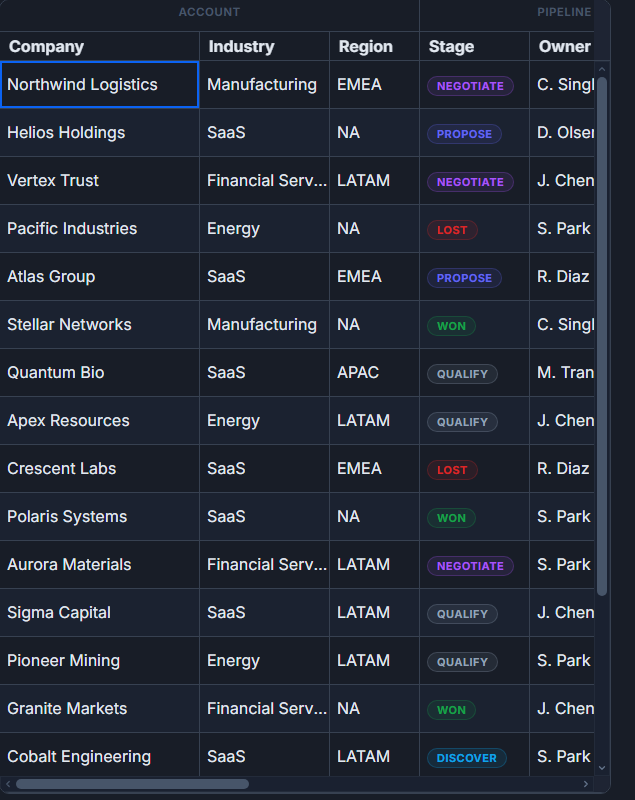 Grouped, multi-level column headers in SvGrid.
Read a value: field vs accessorFn
Use field to read a property directly, or accessorFn to compute one:
const columns: ColumnDef<{}, Person>[] = [
  { field: 'firstName', header: 'First name' },
  {
    id: 'fullName',
    header: 'Full name',
    accessorFn: (row) => `${row.firstName} ${row.lastName}`,
  },
]
When you use accessorFn there is no field to derive an id from, so give the column a stable id.
Format numbers, currency, and dates
SvGrid has a built-in, locale-aware formatter. Prefer it over hand-formatting in an accessor, because the grid keeps the raw value for sorting and filtering.
const columns: ColumnDef<{}, Person>[] = [
  { field: 'age',    header: 'Age',    format: { type: 'number', options: { maximumFractionDigits: 0 } } },
  { field: 'salary', header: 'Salary', format: { type: 'currency', currency: 'USD' } },
  { field: 'joinedAt', header: 'Joined', format: { type: 'date', pattern: 'y-m-d' } },
]
Supported format.type values include number, currency, percent, date, and datetime. For one-off cases, use the function form formatter.
Alignment and width
{ field: 'salary', header: 'Salary', align: 'right', width: 140 }
Numeric and editor columns infer alignment automatically, but you can override with align. width sets the initial pixel width.
Custom cells with snippets
For anything richer than text, render a Svelte snippet with renderSnippet:
{#snippet StatusCell(props: { value: string })}
  <span class="badge" data-status={props.value}>{props.value}</span>
{/snippet}

<SvGrid columns={[
  { field: 'status', header: 'Status', cell: (ctx) => renderSnippet(StatusCell, { value: ctx.getValue() }) },
]} data={rows} />
Because the snippet receives the cell context, you keep full type safety and the grid still sorts and filters on the underlying value.
Frequently asked questions
How do I format currency in a Svelte data grid?
Set format: { type: 'currency', currency: 'USD' } on the column. SvGrid keeps the raw number for sorting and filtering while displaying the localized string.