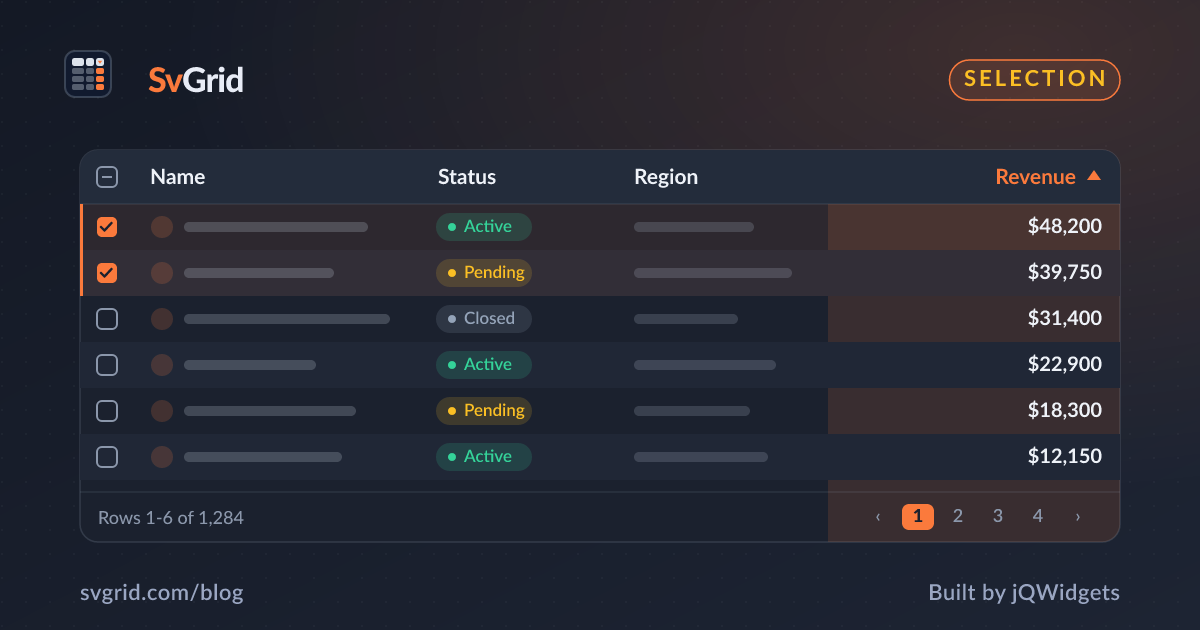
Spreadsheet-Style Cell Range Selection in SvGrid
Let users drag to select rectangular cell ranges, then copy, sum, or act on them - the spreadsheet interaction your Svelte grid needs.
Power users think in ranges, not rows. They drag across a block of cells to copy it, sum it, or clear it. SvGrid brings that spreadsheet interaction to your Svelte app with cell range selection.
Enable range selection
<SvGrid
  data={rows}
  columns={columns}
  selectionMode="cell"
  enableCellSelection={true}
/>
Users click and drag to select a rectangular range. Shift-click extends it; arrow keys with Shift grow or shrink it from the keyboard.
Copy a range to the clipboard
A selected range copies as tab-separated values, so it pastes cleanly into Excel or Google Sheets with rows and columns intact. This is the interaction that makes a grid feel like a real data tool rather than a styled list.
Combine cell and row selection
Set selectionMode="both" to allow checkbox row selection and range selection in the same grid. Users can tick whole rows for bulk actions and still drag a range of cells to copy - the two modes coexist.
<SvGrid
  data={rows}
  columns={columns}
  selectionMode="both"
  showRowSelection={true}
  enableCellSelection={true}
/>
Show a live aggregate
A nice touch borrowed from spreadsheets: show the sum, average, and count of the selected numeric cells in a status bar. Read the selected range, pull the values, and render the rollup in your own footer - so dragging across a column of numbers instantly shows their total.
Keyboard-first ranges
Range selection is not mouse-only. With the active cell in place, holding Shift and pressing the arrow keys extends the selection, and Ctrl+C copies it. Keyboard users get the same range workflow as mouse users, which keeps the grid accessible.
Frequently asked questions
How do I add spreadsheet-style range selection to a Svelte grid?
Set selectionMode="cell" and enableCellSelection={true}. Users drag to select a rectangular range and can copy it as tab-separated values.
Can I show the sum of a selected range?
Yes. Read the selected cells, total their values, and render the aggregate in your own status bar - the same way a spreadsheet shows sum, average, and count.