Bulk Operations on Selected Rows in SvGrid
Turn row selection into action - bulk edit, delete, archive, and export selected rows in a Svelte data grid with a contextual toolbar.
Selecting rows is only step one; the value is in what users do next. Bulk operations turn a set of selected rows into a single action - archive these, delete those, update a field across all of them. SvGrid gives you the selection; a contextual toolbar gives you the workflow.
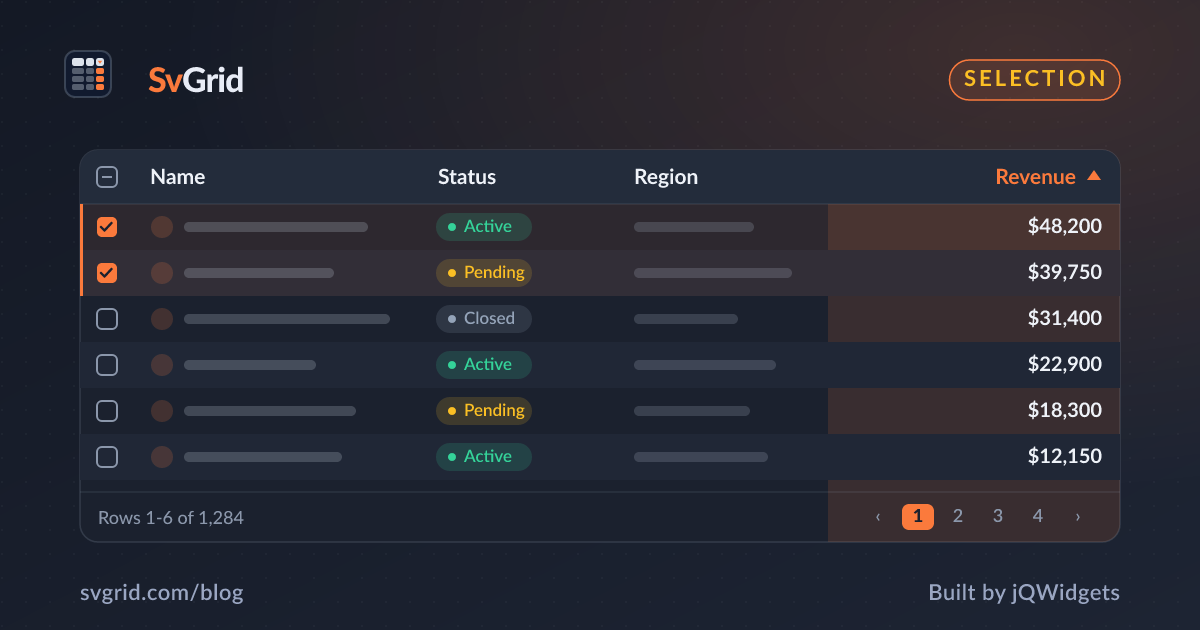
 Selection powering bulk actions in SvGrid.
Capture the selection
<script lang="ts">
  let selected = $state<Row[]>([])
</script>

<SvGrid
  data={rows}
  columns={columns}
  selectionMode="row"
  showRowSelection={true}
  onRowSelectionChange={(state, selectedRows) => (selected = selectedRows)}
/>
A contextual bulk bar
Show a toolbar only when something is selected, so it stays out of the way otherwise:
{#if selected.length}
  <div class="bulk-bar">
    <span>{selected.length} selected</span>
    <button onclick={() => archive(selected)}>Archive</button>
    <button onclick={() => remove(selected)}>Delete</button>
    <button onclick={() => exportRows(selected)}>Export</button>
  </div>
{/if}
Bulk edit a field
A common power-user need is setting one field across many rows - mark fifty tickets "resolved" at once. Apply the change to each selected row and persist in one request where your API allows it:
async function setStatus(rows, status) {
  for (const r of rows) updateLocal(r.id, { status })
  await api.bulkPatch(rows.map((r) => r.id), { status })
}
Confirm destructive actions
Bulk delete is powerful and easy to misfire. Confirm with a count - "Delete 23 rows?" - and consider a soft delete with undo rather than an irreversible wipe. The selection count gives users the information they need to confirm safely.
Optimistic and reversible
Bulk actions feel best when they apply immediately and offer undo. Update the grid first, fire the batch request, and keep the previous state around long enough to restore it if the user clicks undo or the request fails. Because SvGrid does not mutate your data, snapshotting and restoring is straightforward.
Frequently asked questions
How do I act on selected rows in a Svelte data grid?
Capture the selection via onRowSelectionChange, then show a contextual toolbar that runs your archive, delete, edit, or export logic on the selected rows.
How should I handle bulk delete safely?
Confirm with the selection count, prefer a soft delete with undo over a permanent wipe, and apply the change optimistically so it feels instant while staying reversible.